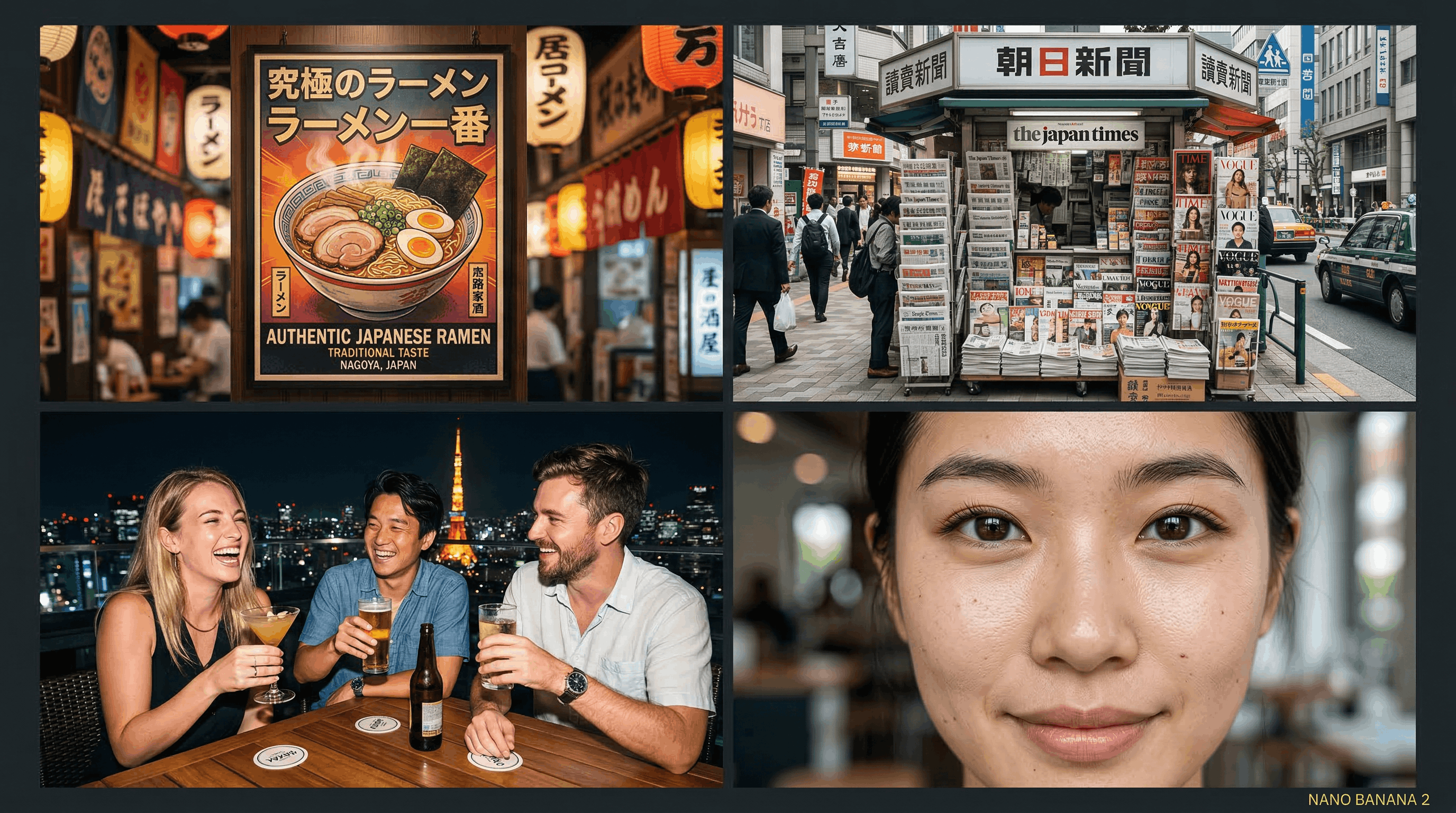
Nano Banana Pro was already god-tier for photorealistic AI images. Then Google pushed back. Now Nano Banana 2 is here - and it does things no AI image model has done before.
Mar 8, 2026
7 min read
TL;DR
Text rendering - legible text inside images. Posters, magazine covers, product labels.
Web grounding - pulls live web data during generation. Real logos, real landmarks, real events.
Multi-reference - lock 5 characters + 14 objects in one workflow. One prompt, everything stays.
Visual consistency - same face across outputs. Not close. Exact. Same bone structure, same skin.
Native 4K - 512px to 4K, every ratio, no upscaling. One generation.
This isn't an incremental update. These are entirely new capabilities. Here's what Nano Banana 2 can do that Pro couldn't - with a copy-paste prompt for each one so you can test it yourself.
📝
Text Rendering
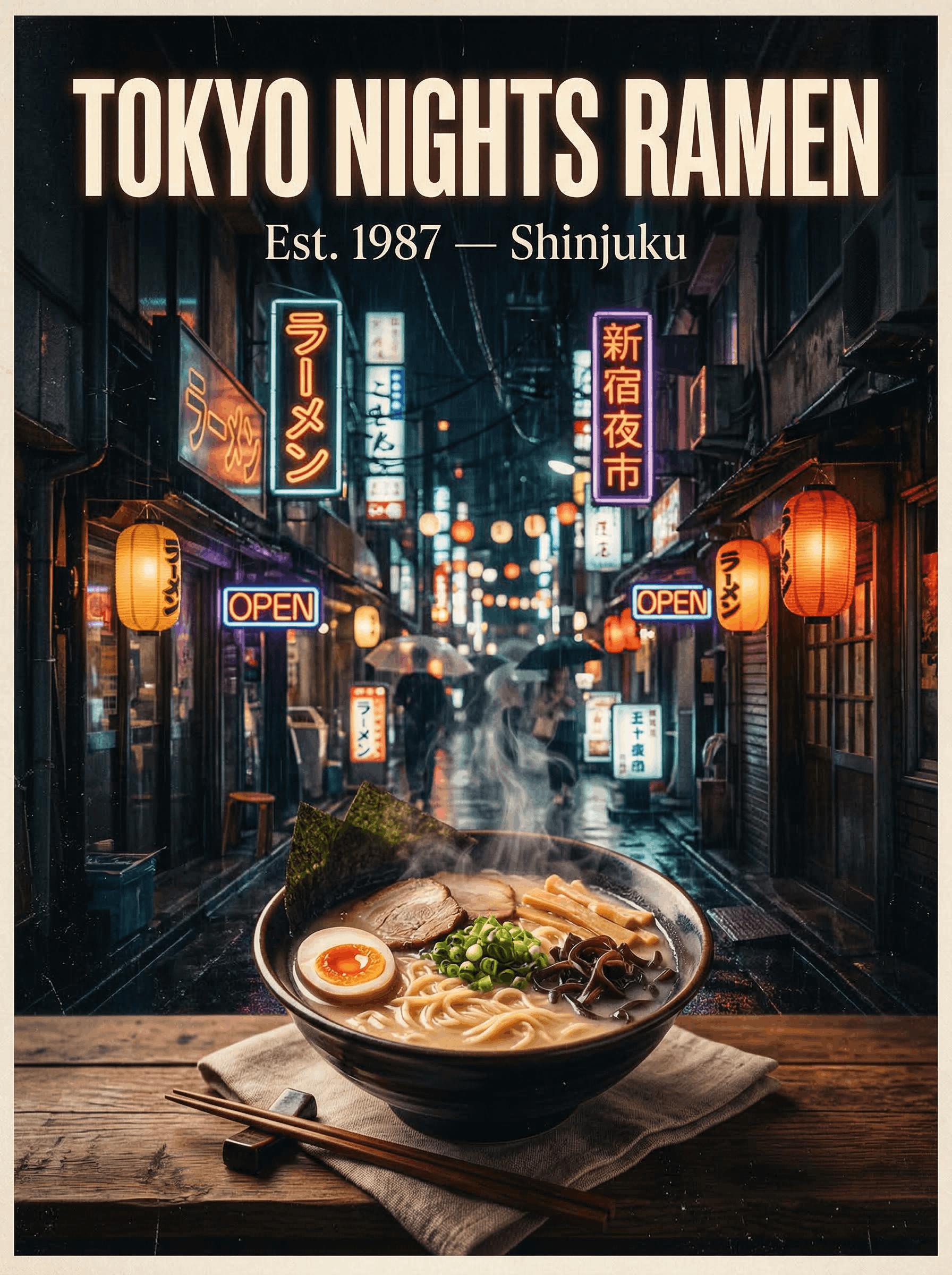
Near-perfect legible text inside images. Magazine layouts, posters, infographics, product packaging, greeting cards. It even handles multi-language text in the same image. Pro couldn't do this without mangling every word. Nano 2 nails it.
Generated with Nano Banana 2 in Snippt Image Generator
⚡ Try This Prompt
Cinematic poster for a fictional Japanese ramen restaurant. Top headline in bold condensed sans-serif: "TOKYO NIGHTS RAMEN". Below in smaller elegant type: "Est. 1987 - Shinjuku". Steam rising from a perfectly crafted bowl of tonkotsu ramen in the center. Neon-lit alley background with rain reflections. Dark moody color palette with warm orange highlights from lanterns. Film grain texture, vintage Japanese movie poster aesthetic. All text must be perfectly legible and spelled exactly as written.
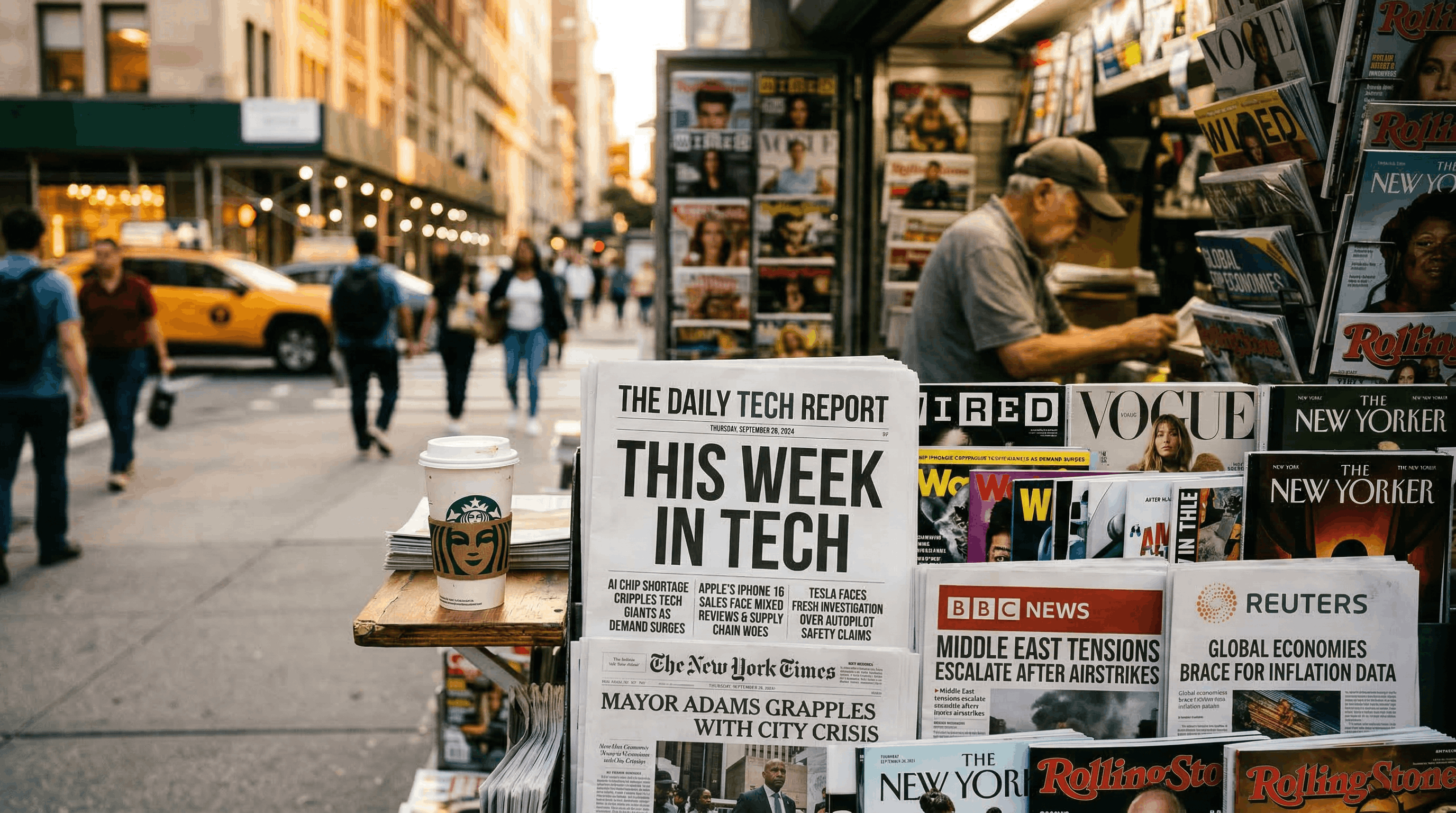
The model searches the web in real-time during generation. Logos, landmarks, recent events, brand identities - rendered from current information, not stale training data. Ask it to show a real newspaper with today's headlines. It can.
Real logos and current headlines pulled from live web search
⚡ Try This Prompt
Street-level photograph of a newsstand in Manhattan at golden hour. In the foreground, display a large broadsheet newspaper with the headline: "THIS WEEK IN TECH" and include 3 real, accurate, current tech headlines from this week using live web search. Render the correct current logos for The New York Times, BBC News, and Reuters on visible publications. Include a coffee cup from a recognizable chain with the correct logo. Shot on 35mm Portra 400, warm tones, shallow depth of field focused on the headlines. Authentic street photography feel.
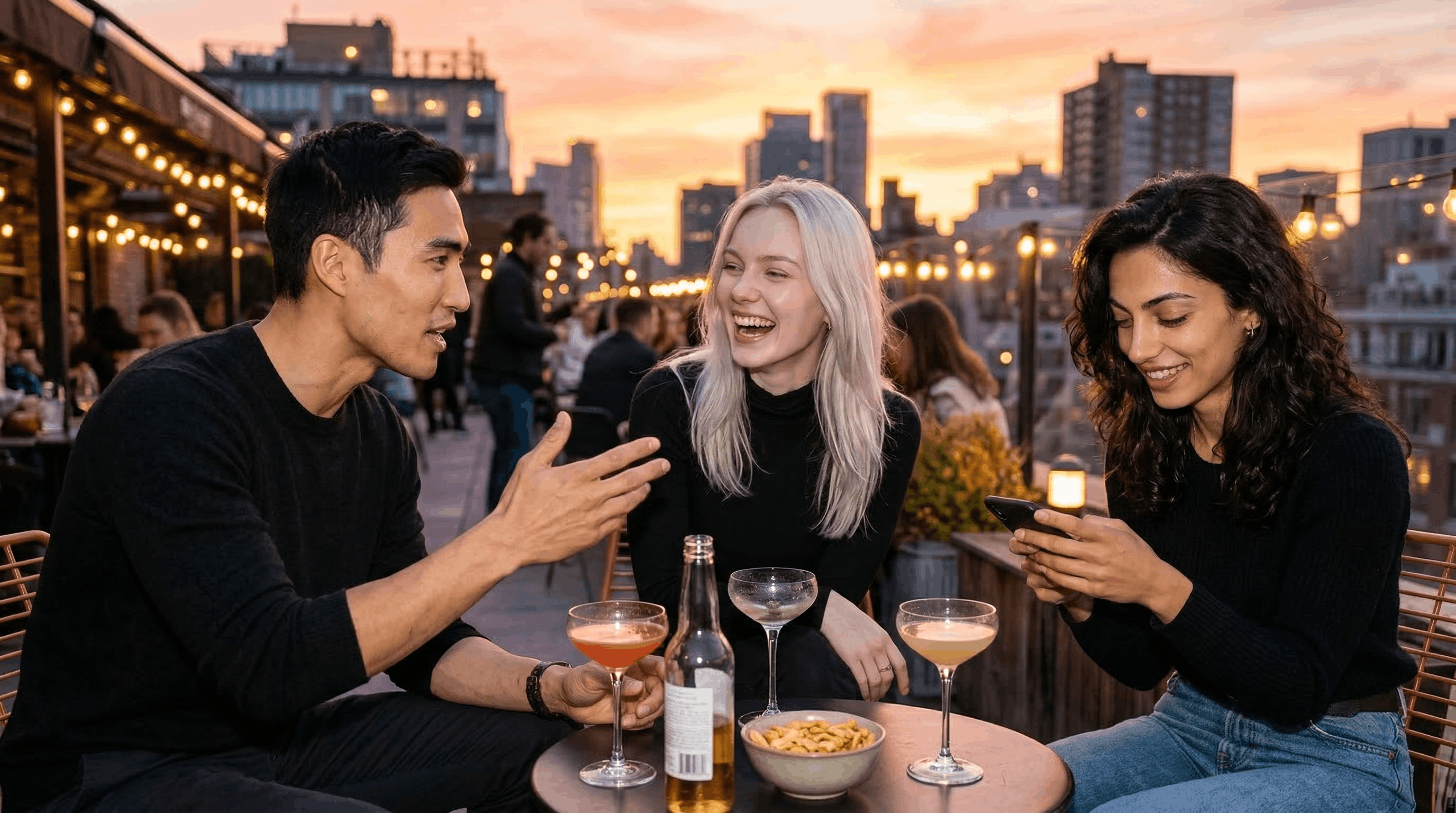
Upload reference images for characters and objects. Nano 2 locks their identity - facial structure, skin tone, proportions, hairstyle - and preserves visual fidelity for up to 14 objects simultaneously. Built for campaigns and narrative sequences.
3 characters, all locked from reference images, in one generation
⚡ Try This Prompt (upload 2-3 character reference images)
Use all uploaded reference images. Lock identities of all characters. Preserve exact facial structure, skin tone, proportions, hairstyle, and defining features for each person. No blending. No drift. No stylization changes.
Scene: a rooftop bar at sunset in a dense city skyline. Characters sitting around a low table, mid-conversation, candid energy. One leaning back laughing, one gesturing while talking, one looking at their phone with a half-smile. Cocktail glasses on the table, warm string lights in the background.
Documentary photography style, flash fill with ambient golden hour light. Raw and unposed. Authentic expressions. Not fashion editorial. Not cinematic. Real social moment captured mid-sentence.
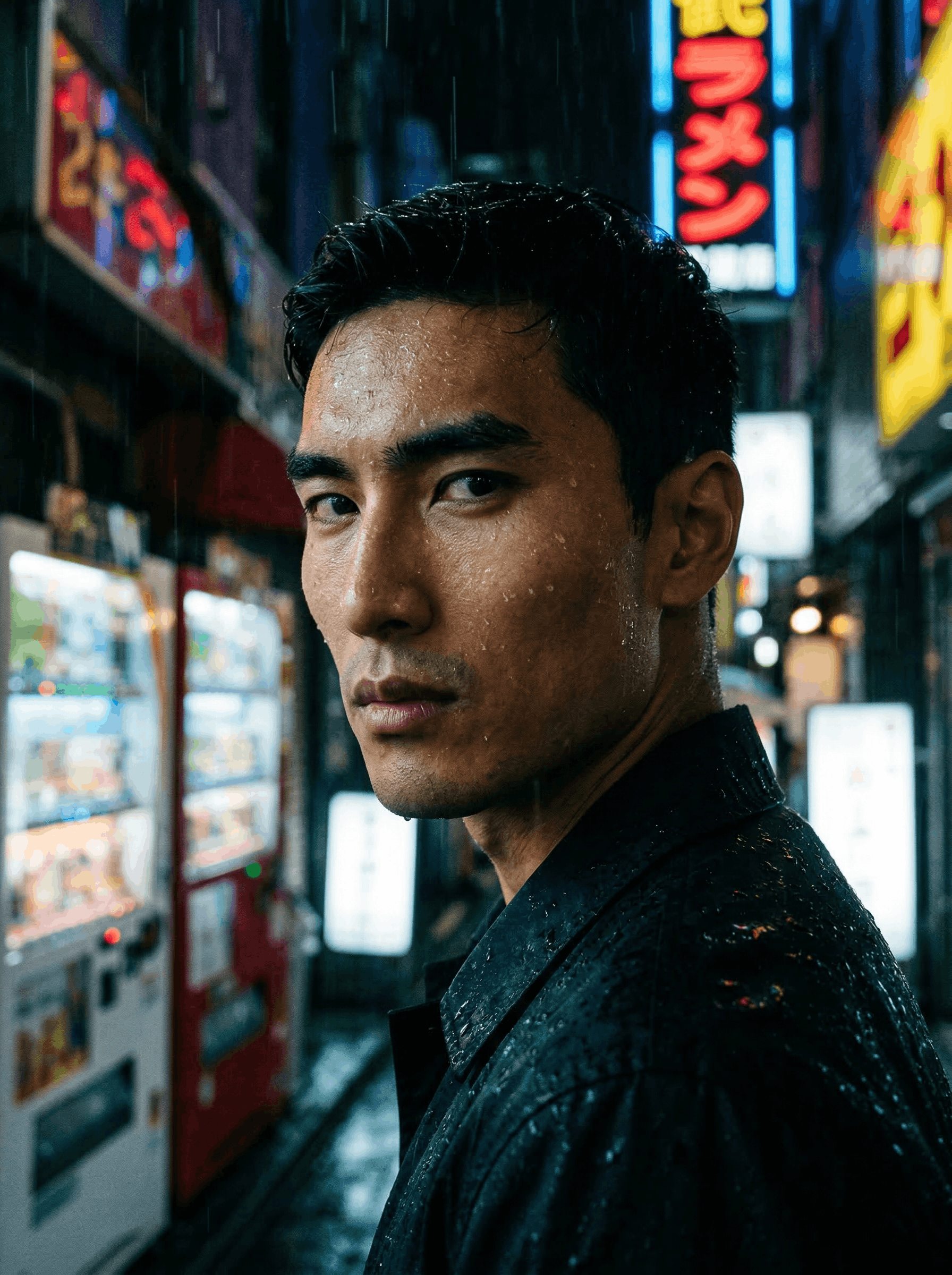
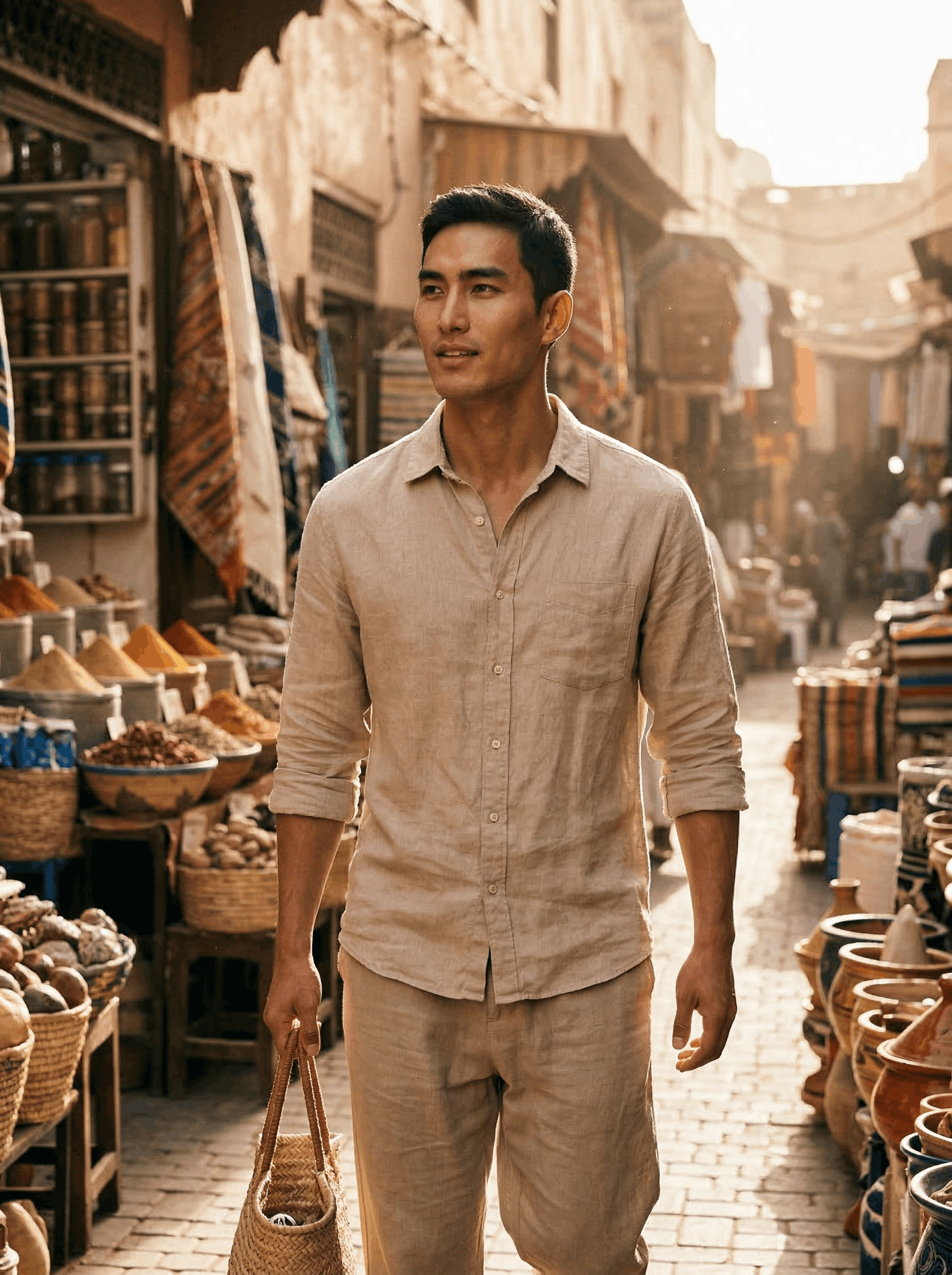
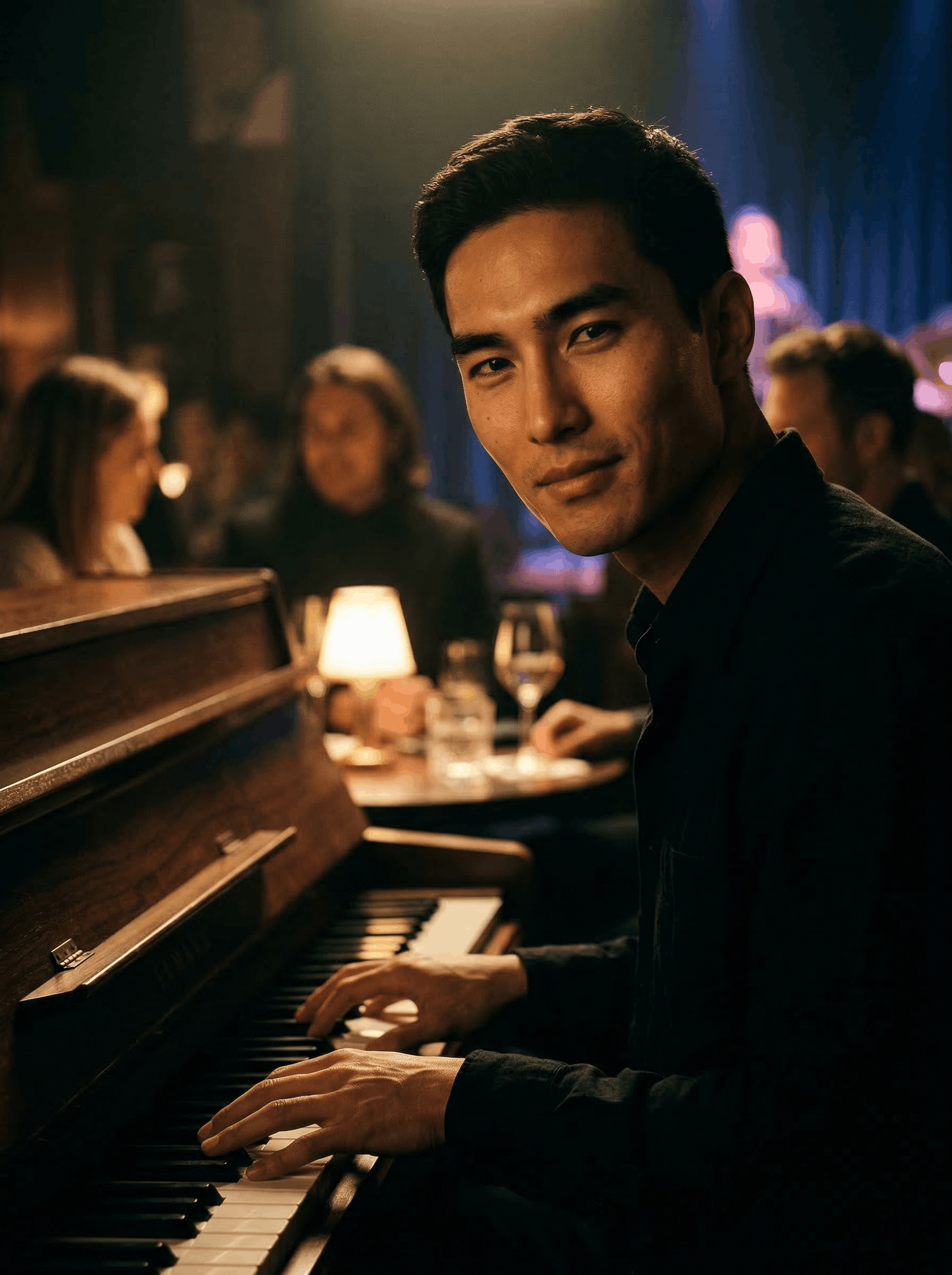
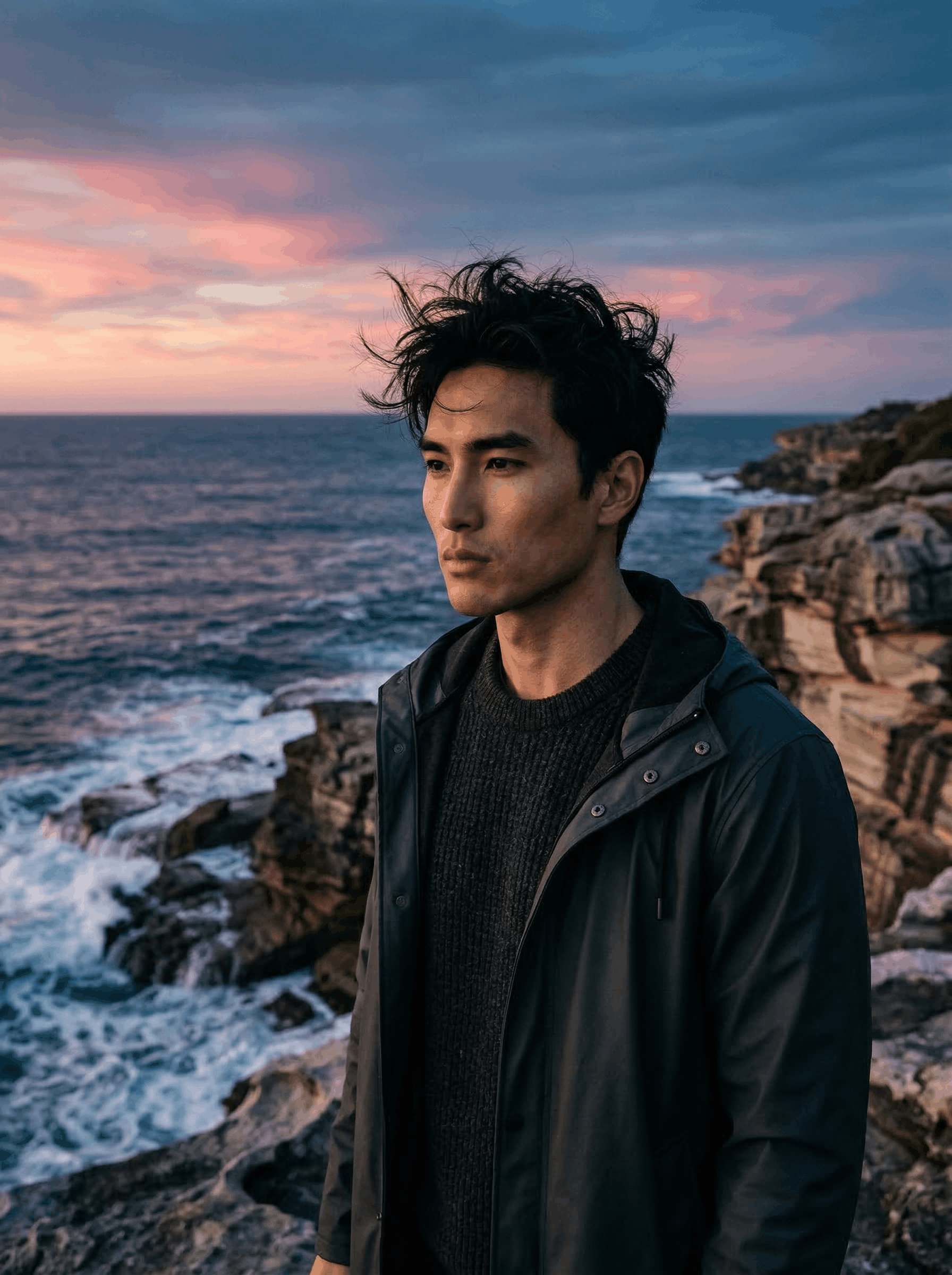
This is the one that changes everything. Nano 2 holds your character's identity across multiple outputs: same face, same bone structure, same skin, different scene. Not approximately the same. Actually the same. Build a 10-shot sequence for a video - every frame is the same person now.
Same person. 4 different locations. Zero identity drift.
⚡ 4 Prompts, 1 Character (run each separately in Character Studio)
Scene 1 - Tokyo
Close-up portrait in a rain-soaked Tokyo alley at night. Neon reflections on wet skin, looking over their shoulder. Cinematic film grain. No beauty filter. No skin smoothing.
Full body, walking through a sun-bleached Moroccan market. Linen clothing, golden hour side light. Documentary photography. Natural movement. No beauty filter.
Select the same character for all 4 prompts. Same face, 4 different worlds.
🖼
Native 4K Output
512px to 4K in one generation. No upscaling, no quality loss. Square, vertical, widescreen, cinematic ultra-wide - every ratio you need. This means your AI images go straight to print, straight to billboard, straight to production. No extra step.
WHY THIS MATTERS
Before Nano 2, you'd generate at 1024px and upscale. You'd lose micro-details - skin pores, fabric weave, text sharpness. Now you generate at the resolution you need. Combined with visual consistency, this means your entire campaign - 20 shots, same character, different scenes - comes out at print quality in one pass. No compositing. No upscaling. No Photoshop.
02
How to Use It in Snippt (Step by Step)
Nano Banana 2 is live in two tools. Here's exactly how to use each one.
🎨
Image Generator - For One-Off Images
Use this for any standalone generation - portraits, product shots, posters, editorial layouts, scenes with text.
3. Write your prompt using the 8-step framework below
4. Choose your ratio and quality (HD for best results)
5. Generate 2-3 per prompt, pick the best one
For multi-reference: Upload 2-5 character reference images before generating. Nano 2 will lock their identities in the output. The cleaner your references, the tighter the lock.
Use this when you need the same character across multiple scenes - content series, brand campaigns, storyboards, AI films. Create once, generate everywhere.
Image Generator = you want one image, or a group scene with multiple people from reference photos. Character Studio = you want the same character across many different scenes. Think of it as creating an AI actor that shows up wherever you need them.
03
The 8-Step Prompting Framework
Your prompt is a director's brief. Not a mood board. Not a vibe. Give Nano 2 a set of clear instructions it can execute. Here's the framework that consistently gets the best results.
STEP 1
Set the Format
Define the medium first. This one decision controls color science, grain, compression, and feel. Everything else builds on it.
iPhone video still35mm film framedocumentary flash
STEP 2
Lock the Subject
Who is in the frame. Age, build, defining features. The more specific you are, the less the model guesses.
STEP 3
Define the Shot
Crop, angle, distance. Write it like you're briefing a cinematographer.
Waist-up. Eye level. 3 feet. 9:16.
STEP 4
Set the Location
Architecture, floor, background. Nano 2 handles layered environments well - give it something to work with.
STEP 5
Add Physical Detail
This separates real-looking from AI-looking. Skin texture, fabric weave, hair strands, sweat, dust. Surface-level specifics push the model into realism.
STEP 6
Give Them Action
Unposed. Mid-action. Mid-conversation. A person doing something reads as a person. A person just standing reads as a render.
STEP 7
Specify the Light
Not "well-lit." Where is it coming from? How hard is it? What does it do to the shadows? Light makes or breaks the image.
STEP 8
Close with Negatives
Tell it what you don't want. Negative cues are guardrails. Always end with them.
No beauty filter. No CGI. No skin smoothing.
THE REFERENCE RULE
The model does the consistency work. You do the reference work. The stronger your input, the stronger the lock. A blurry reference will drift. A sharp, well-lit, front-facing image gives the model something solid to hold onto. Garbage in, garbage out. Clean reference in, locked identity out.
04
Go Try It
Nano Banana 2 is live. Copy any prompt from this page, open the tool, select the model, generate. That's it. No waitlist, no beta, no application. It's in your dashboard right now.
Start generating with Nano Banana 2
Available now. Free users get 2 generations/day. Pro gets unlimited.