What if you had a personal AI assistant that ran 24/7, connected to your WhatsApp, Telegram, and Discord, and could manage your calendar, triage your emails, control your smart home, and automate virtually any digital workflow? Not a chatbot you visit in a browser. An autonomous agent that lives on your machine and acts on your behalf.
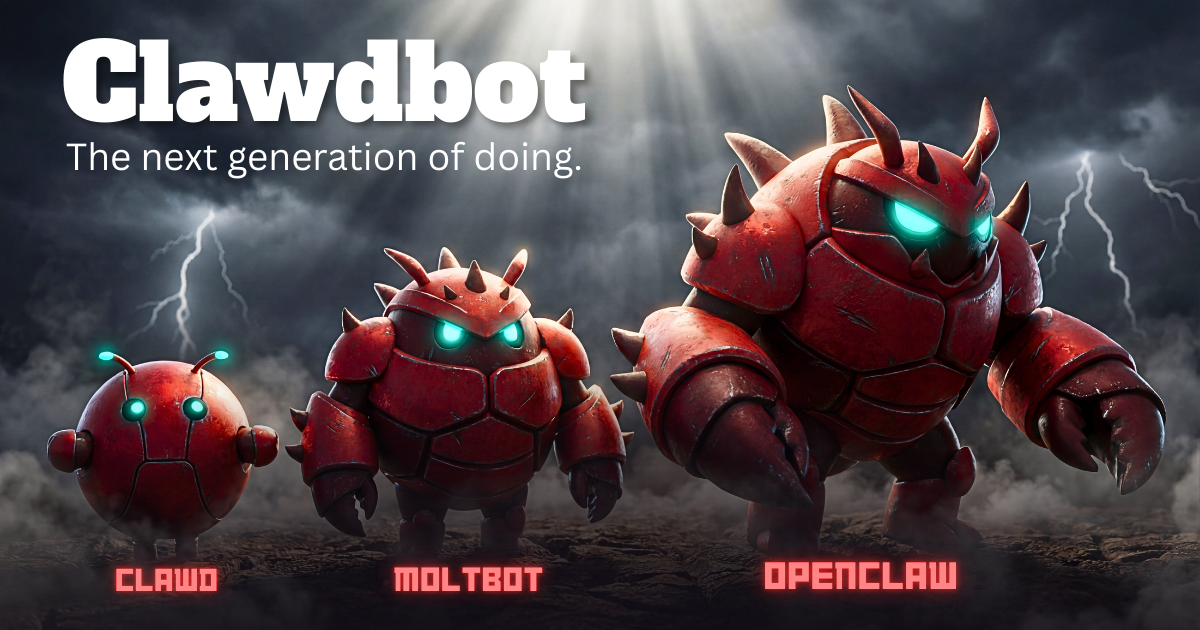
That's OpenClaw, also known as Moltbot - an open-source, self-hosted AI agent runtime that has taken the developer community by storm. Originally known as Claudebot and Clawdbot, it's evolved into a fully configurable platform where you connect any leading AI model, define persistent memory and identity, and expand capabilities through modular skills.
This guide covers everything you need to know: what OpenClaw (Moltbot) is, how to set it up, the key concepts like workspace, memory, skills, and multi-agent, plus the critical security considerations you need to understand before giving an AI agent access to your machine.
What Is OpenClaw (Moltbot), Exactly?
At its core, OpenClaw is a self-hosted messaging gateway - a single long-running process on your machine that maintains persistent connections to messaging platforms. When a message arrives on any connected platform, the gateway routes it to an AI agent that can reason about it and take action.
The word "gateway" is key. Think of it as a bridge: messages come in from WhatsApp, Telegram, Discord, Slack, Signal, iMessage, Google Chat, Microsoft Teams, or other platforms. The gateway passes them to an AI agent powered by Claude, GPT, or any model you configure. The agent processes the message, potentially executes tasks using tools like file access, browser control, or API calls, and sends a response back through the same channel.
Because everything runs on your machine, you own the connections, the config, the execution environment, and critically, your data. Nothing gets sent to a third-party service unless you explicitly configure it that way.
OpenClaw vs Claude Code
If you've seen the terminal interface, it looks similar to Claude Code. But there are meaningful differences:
| Feature | OpenClaw (Moltbot) | Claude Code |
|---|---|---|
| Self-hosted | Yes, fully | No |
| WhatsApp / Telegram | Native support | Not available |
| Discord | Native support | Not available |
| Slack | Native support | Yes |
| Signal / iMessage | Native support | Not available |
| Multi-agent | Full support | Single agent |
| Docker sandboxing | Built-in | Not available |
| Voice / Talk mode | macOS / iOS / Android | Not available |
| Persistent memory | Workspace-based | Limited |
| Open source | MIT License | Proprietary |
Installation and Setup
The prerequisites are minimal. You need Node.js version 22 or higher and a terminal. That's it.
# Install Moltbot globally
npm install -g moltbot@latest

# Run the onboarding wizard with daemon mode
moltbot onboard --install-daemon
The --install-daemon flag is important. It installs the gateway as a background service (launchd on macOS, systemd on Linux) so it starts automatically on boot and keeps running without needing a terminal open. Your agent is always on.
The onboarding wizard walks you through choosing a config path, workspace location, and pairing your first messaging channel. You'll also connect your AI model provider, whether that's Anthropic (Claude), OpenAI, or any other supported provider.
OpenClaw has root access to your entire machine. Running it locally means a prompt injection could theoretically execute destructive commands. If that concerns you, run it on a VPS or use Docker sandboxing. More on security below.
Workspace and Memory
Every OpenClaw agent has a workspace (default: ~/clawd) that contains its identity, memory, and configuration. Think of it as the agent's brain.
The workspace includes injected prompt files like AGENTS.md, SOUL.md, and TOOLS.md that define who the agent is and what it can do. Memory is genuinely persistent. The agent remembers previous conversations, learns your preferences, and builds context over time.
The identity system lets you shape the agent's personality through natural language. Your identity file might say "You are a professional assistant. You handle my work email with a formal tone but my personal messages casually. You never schedule anything before 9 AM." The agent follows these instructions across every interaction.
Skills: Expanding What the Agent Can Do
Skills are modular capability packages, similar to Claude's skill system. Each skill is a set of instructions, tools, and context the agent can use when relevant. OpenClaw also has ClawdHub, a community skill registry where you can discover and install skills built by others.
You can also write custom skills tailored to your workflows. If you have a recurring task, say, every Monday you pull sales data from three sources and compile a report, you can build a skill that automates the entire process.
Multi-Agent: Separate Agents for Separate Lives
One of OpenClaw's most compelling features is multi-agent support. Instead of one monolithic assistant, you can create multiple agents, each with its own identity, memory, skills, and security settings.
The most natural split: a work agent and a personal agent. Your work agent knows your professional contacts, has access to your company Slack, understands your meeting preferences, and uses a formal communication style. Your personal agent handles your personal calendar, has a casual tone, and connects to your personal WhatsApp.
You switch between agents with a simple command. At the office, your work agent handles everything. Get home, switch to your personal agent, and completely compartmentalize your digital life. Each agent can even use a different AI model. Your work agent might use Claude Opus for better reasoning, while your personal agent uses a lighter model for speed.
Get AI tutorials and tool updates in your inbox
Workflows, new tool launches, and creator tips. No spam, unsubscribe anytime.
You're in! Check your inbox for a welcome email.
Security: The Part You Can't Skip
This is the section that matters most. OpenClaw gives an AI agent terminal access to your machine. That's an incredible amount of power, and an incredible amount of risk if not handled properly.
Prompt Injection
The primary threat is prompt injection. If your agent processes messages from untrusted sources (public Discord channels, random WhatsApp messages), a malicious actor could craft a message that tricks your agent into executing harmful commands.
An important and counterintuitive defense: use the most powerful model available. Larger models like Claude Opus or GPT-4 are significantly more resistant to prompt injection than smaller models. A 4-billion parameter model is much more susceptible to manipulation since it has less capacity to distinguish between legitimate instructions and injected commands.
Sandboxing with Docker
OpenClaw supports Docker-based sandboxing that isolates the agent from your host system. There are three sandbox modes:
Within sandboxing, you can set the scope for how containers are managed:
- Session: Every new session gets a fresh container. Maximum isolation, but more overhead.
- Agent: Each agent gets its own persistent container. Work and personal agents get separate sandboxes.
- Shared: All sandboxed agents share one container. Less overhead, but agents can access each other's files.
Once sandboxed, the agent genuinely cannot access your files. Ask it "Can you access my desktop files?" and it'll respond that its world is limited to the sandbox workspace.
The elevated execution mode bypasses sandboxing entirely and runs commands on your host. Never grant elevated access to an agent handling untrusted input. Also use tool.deny to block dangerous tools like exec_process or browser for agents exposed to public messages.
Security Checklist
- Enable sandbox mode - at minimum for agents handling external input
- Keep it private - restrict who can send messages that your agent processes
- Scope your tokens - use API keys with minimum necessary permissions
- Run security audits - OpenClaw includes built-in audit tools via
moltbot doctor - Restrict tools - deny access to high-risk tools for untrusted contexts
Ready to build and sell agents like these?
Full build courses with copy-paste configs, client templates, and pricing math. From $12.99.
Supported Platforms
The number of supported channels is what really sets OpenClaw apart. Here's the full list of native integrations:
Getting the Most Out of It
The OpenClaw (Moltbot) creators recommend using Anthropic Pro/Max with Opus for the best experience, especially for long-context strength and prompt injection resistance. You can configure your model in the minimal config file:
{
  "agent": {
    "model": "anthropic/claude-opus-4-5"
  }
}
For the full configuration reference with all available keys and examples, check the official documentation.
Is It Worth Setting Up?
If you're comfortable with the command line and want a persistent AI assistant that goes beyond chat, OpenClaw (Moltbot) is genuinely impressive. With 388k GitHub stars and 3,000+ contributors, this isn't a toy project. The multi-agent system alone sets it apart, and the ability to have completely separate AI personas for different areas of your life, each with their own memory, tools, and security profile, is something no hosted AI service offers.
The security considerations are real, but the sandboxing and tool restriction options are robust enough for most use cases. Running on a VPS gives you an additional safety layer if you're processing untrusted input.
OpenClaw represents a shift from "AI tools you visit" to "AI agents that work for you." The agent runs continuously, processes messages from your real communication channels, and takes action in the real world, all while you control the entire stack.
Links: GitHub (moltbot/moltbot) | Documentation | Discord Community
Explore AI Tools You Can Use Right Now
While you set up OpenClaw, try Snippt's 15+ AI creative tools. Image generation, video, voice, face swap, and more. No installation required.
Explore Snippt ToolsFrequently Asked Questions
What to Read Next
- Best Free AI Image Generators in 2025 - Compare the top AI image tools
- How to Make AI Videos from Text - Turn prompts into video
- The Complete Guide to AI Content Creation - Master every AI creative tool