Character Studio
Create consistent characters from reference photos
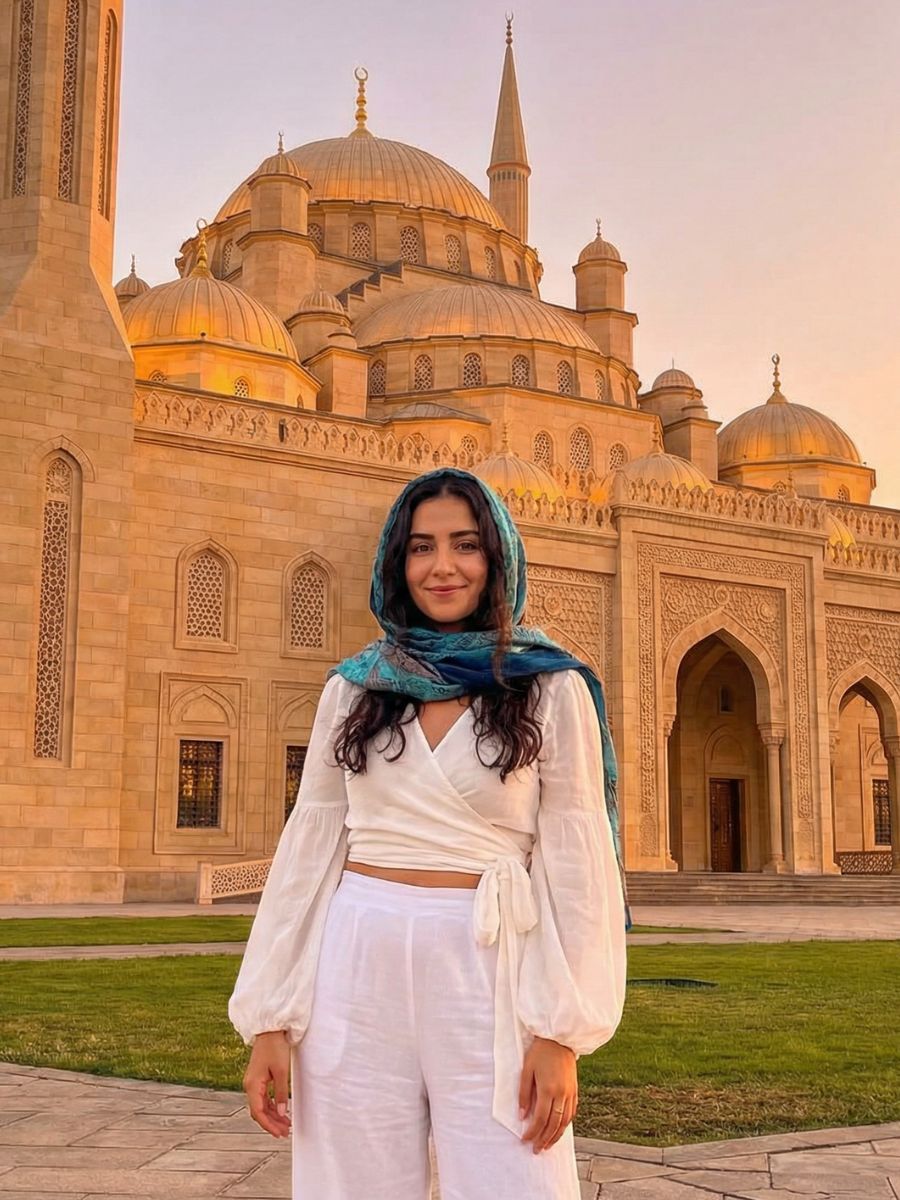
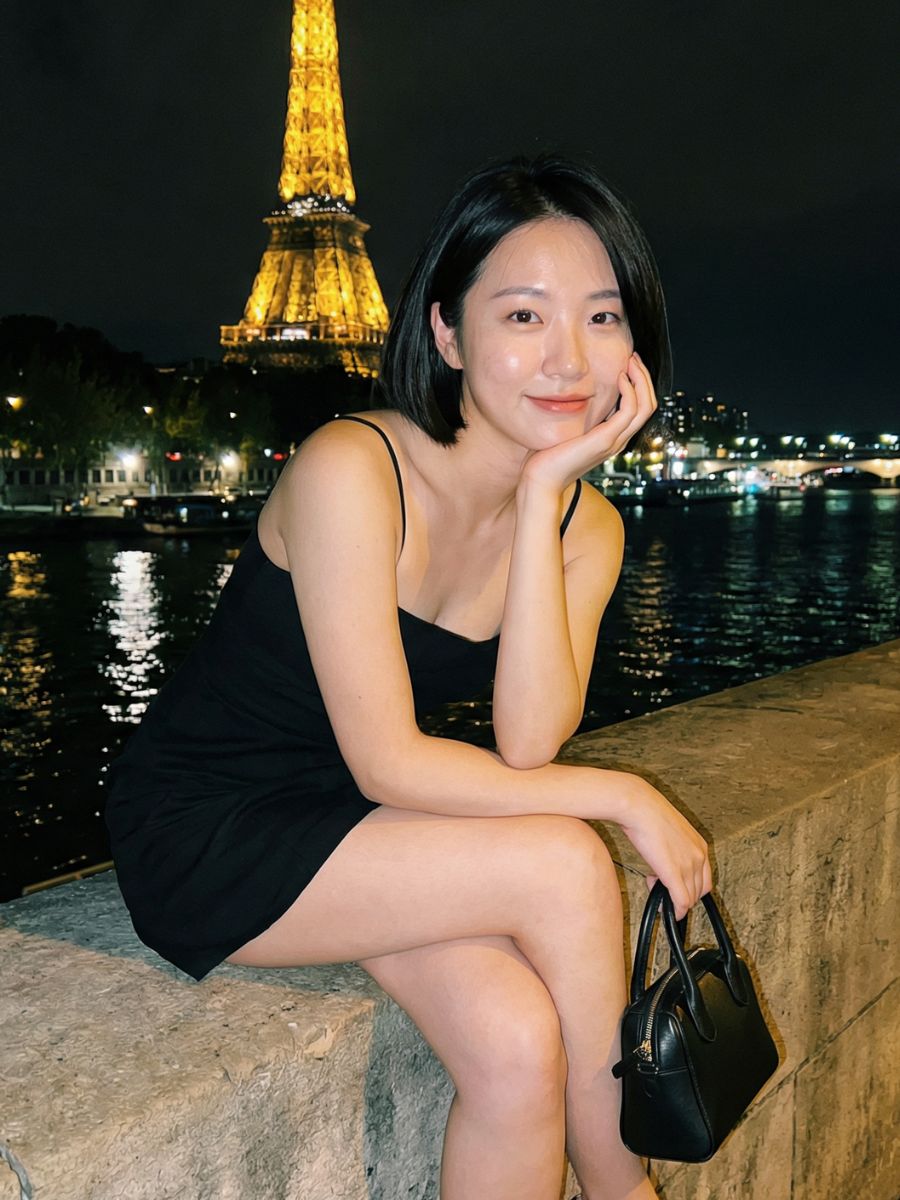
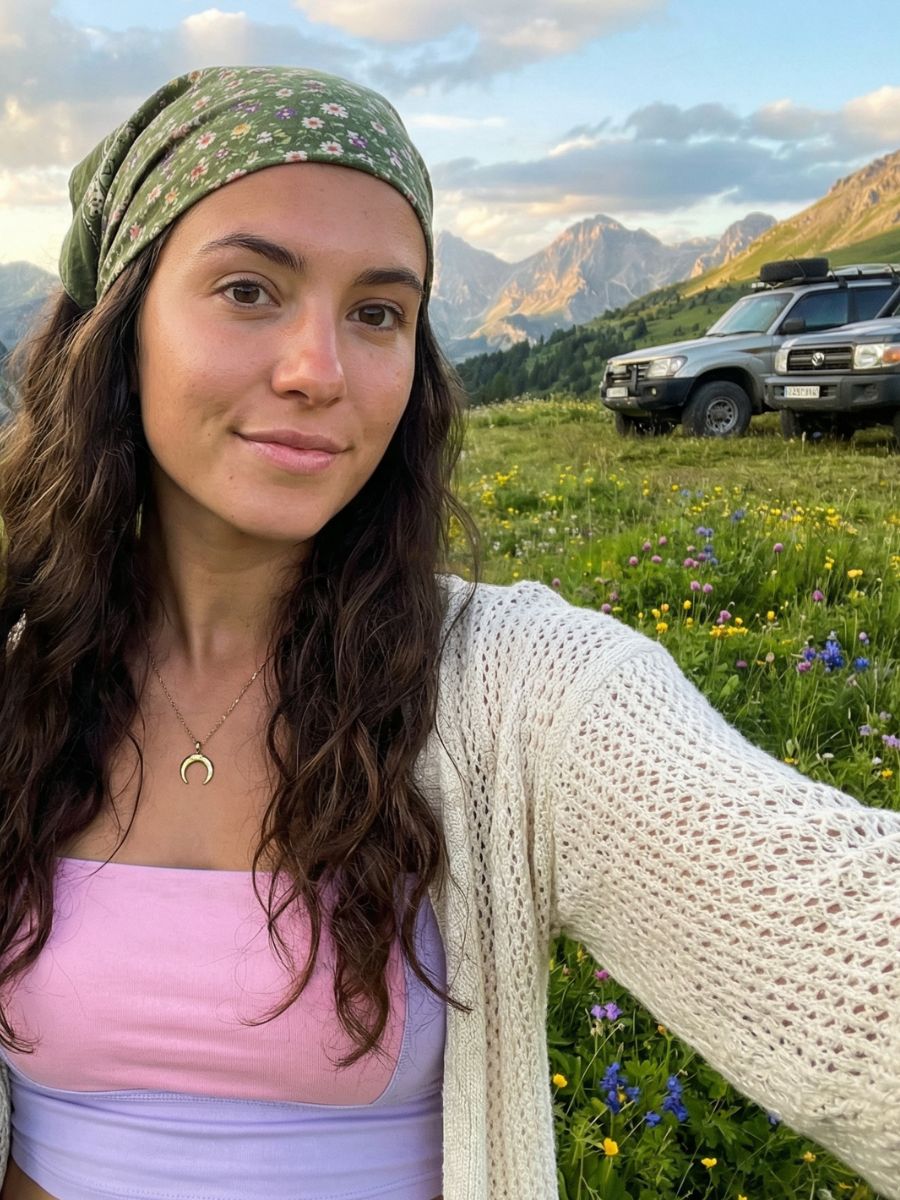
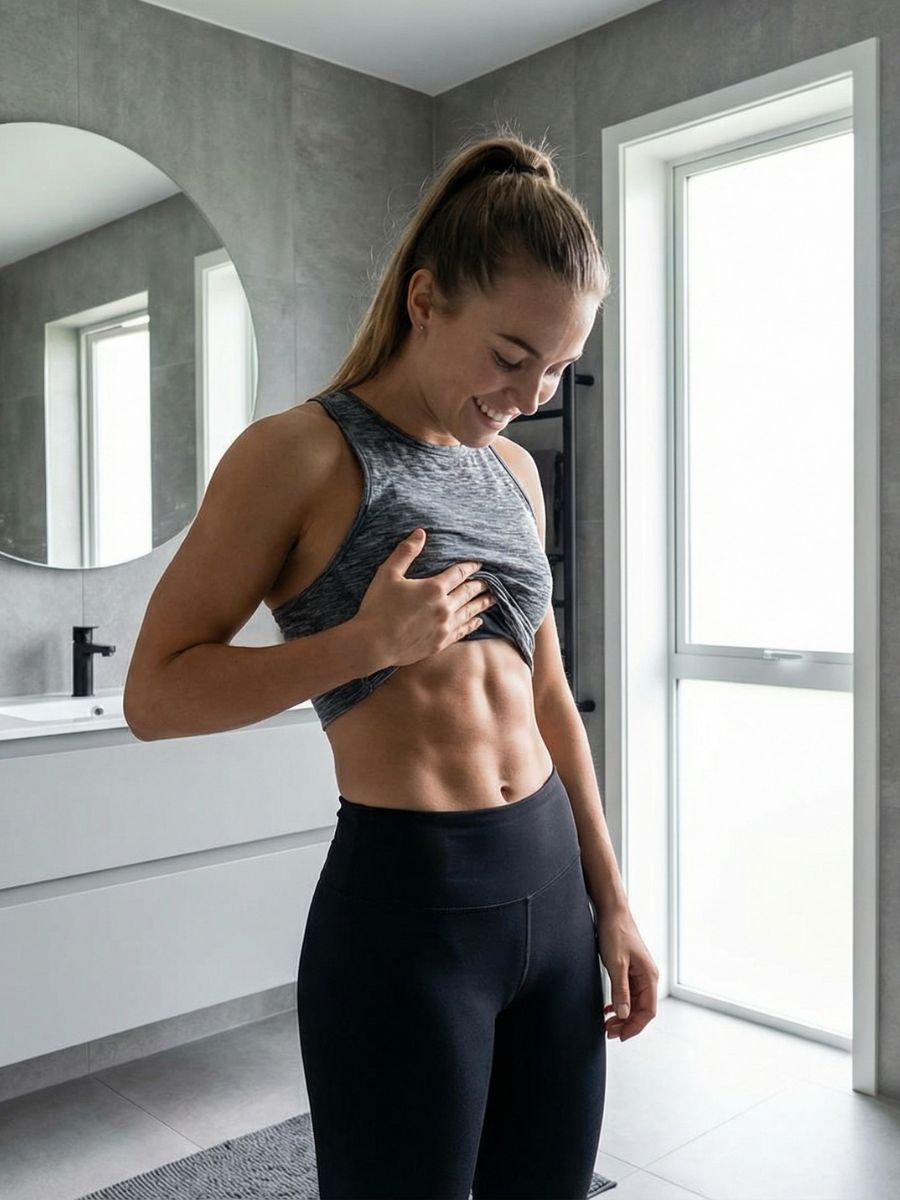
MAKE YOUR OWN CHARACTER
Generate infinite images in different styles using your own photos.
We analyze your images to learn your unique look in minutes.
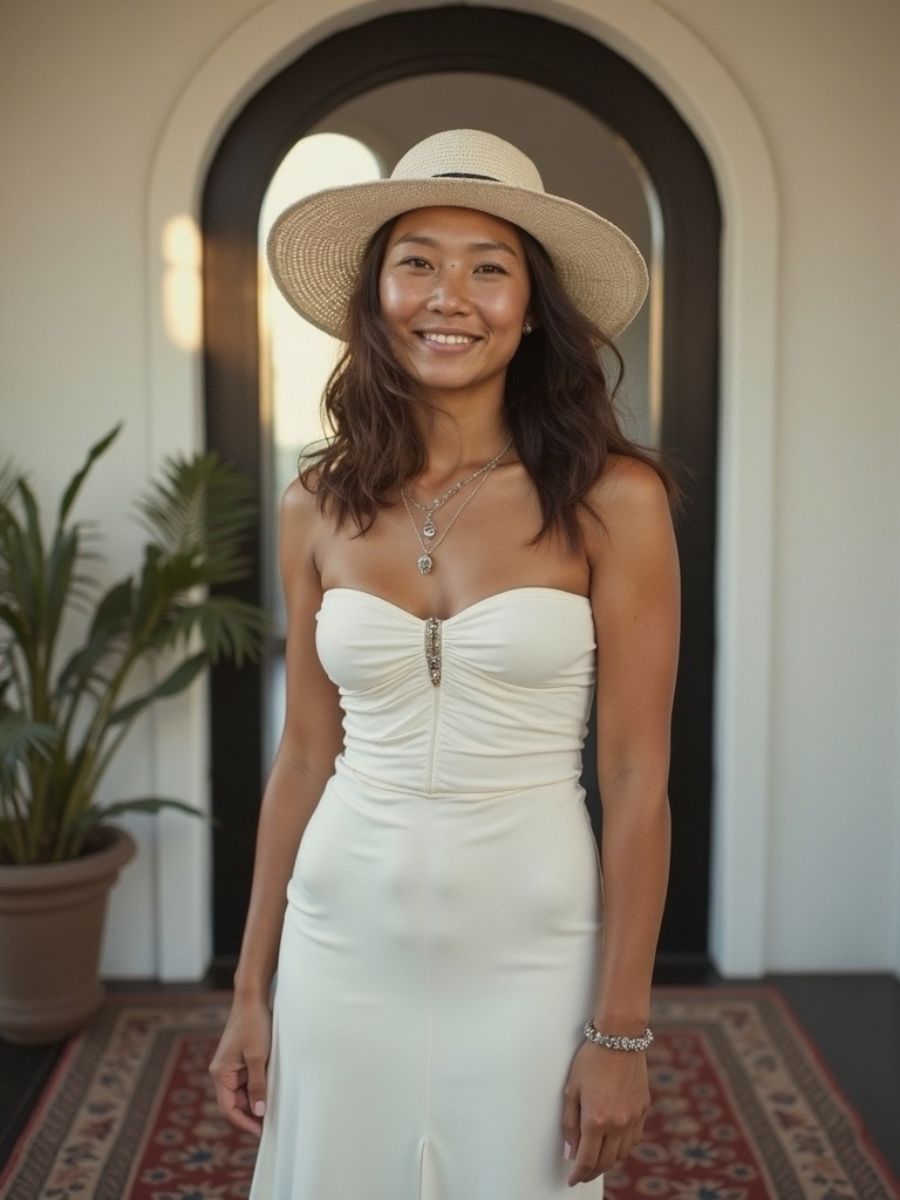
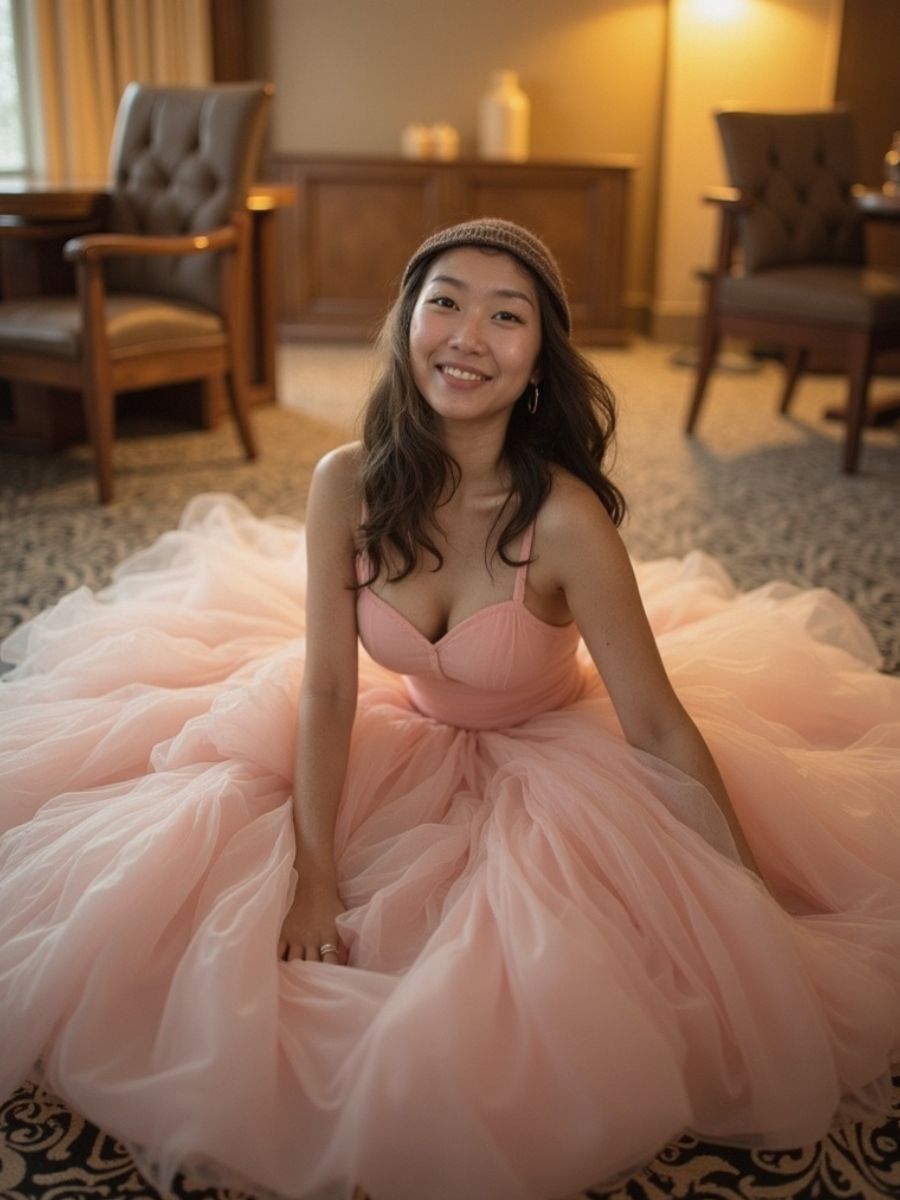
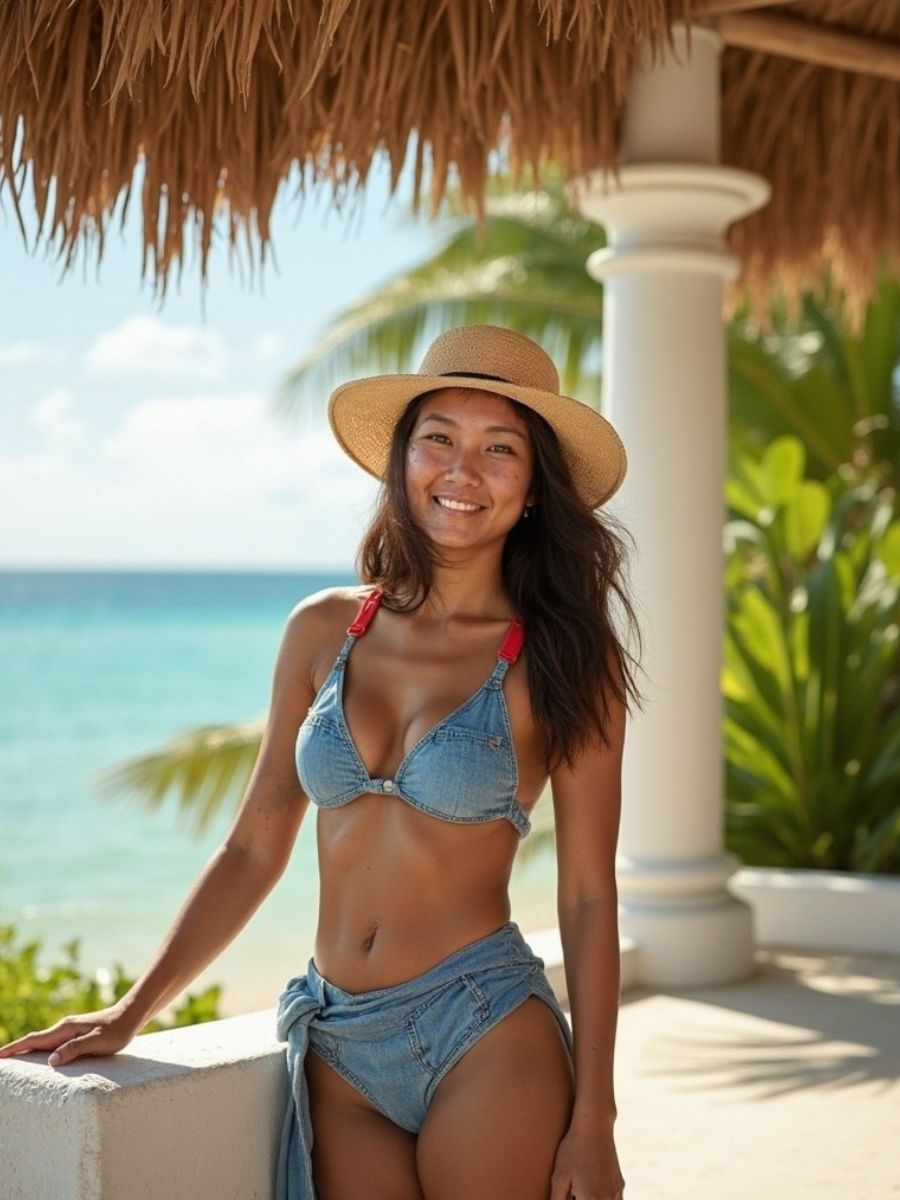
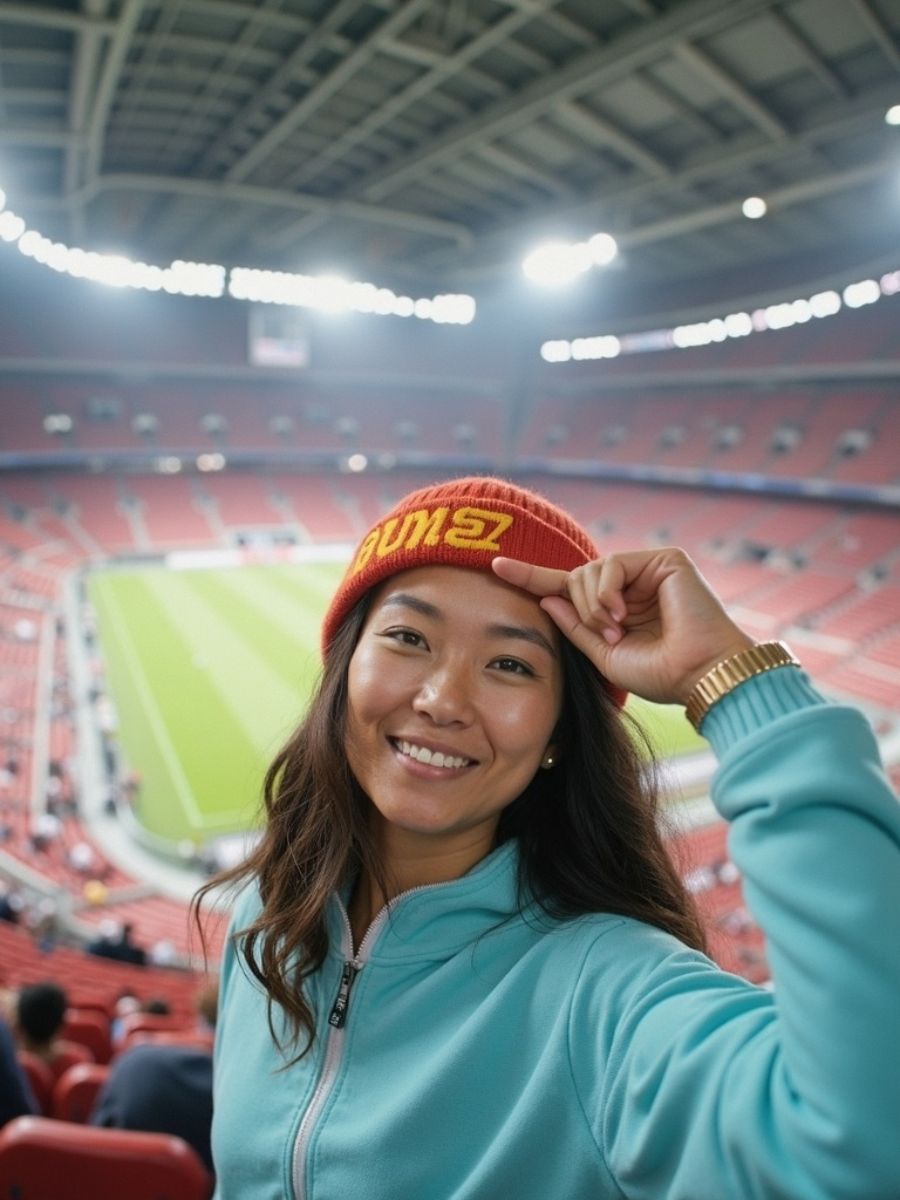
CHARACTER CONSISTENCY
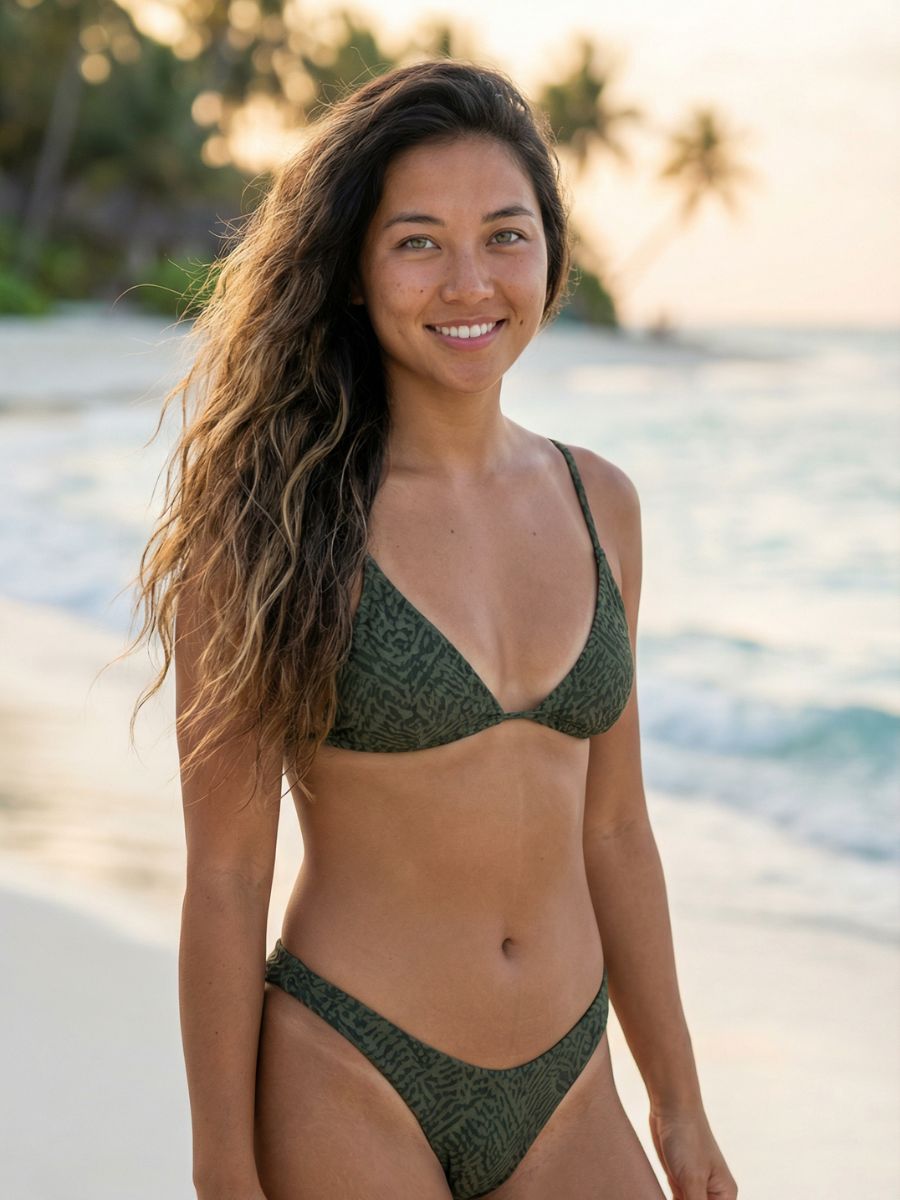
Same Face, Endless Possibilities
See how our AI maintains perfect identity across any scenario
How It Works
1
Upload Photos
Add 1-10 reference photos of your character from different angles
2
Describe Scene
Write what you want - "at a coffee shop" or "cartoon style presenting"
3
Generate
AI creates the image with your character's face and features
What You Can Create
Realistic Photos
Cartoon Style
Anime / Manga
3D Renders
Illustrations
Any Scene
Tips for Best Results
- Front photo required: At least one clear, front-facing photo
- Good lighting: Well-lit photos work better than dark or shadowy ones
- Multiple angles: Add 3/4 and side views for better consistency
- Style in prompt: Say "cartoon style" or "anime" to change the look
First time? Quick tips for the best results
Beginner
Good reference photos
- Front-facing with clear facial features
- Good lighting, no harsh shadows
- Mix of angles (front + 3/4 profile)
- Multiple photos for better accuracy
Avoid
- Sunglasses or face-covering accessories
- Heavy makeup or filters
- Extreme angles or side profiles
- Low resolution or blurry images
How It Works
Three steps. No photography skills needed.
1
Upload your photos
Add 1-4 reference photos of yourself or your character. The AI learns facial features from these.
2
Choose your method
Describe a scene with text, or upload any image to swap your face into it.
3
Download your image
Get high-res results up to 4K. Same face, any scenario you imagine.
Comparison
Describe Scene vs Face Swap
Two modes, different use cases. Here's when to use each.
| Describe Scene | Face Swap | |
|---|---|---|
| Input | Text prompt describing the scene | Existing image to swap into |
| Output | Completely AI-generated image | Your face on existing photo |
| Best for | Dating profiles, social media, creative concepts | Putting yourself in specific photos |
| Background | AI creates it from your description | Keeps original image background |
| Credits | 3-10 cr (varies by resolution) | 2 cr (fixed) |
FAQ
Common questions
Can I use this for dating profile photos?
Absolutely! Character Studio is perfect for Tinder, Hinge, Bumble, and other dating apps. Upload a few selfies, then generate images of yourself in casual settings like coffee shops, hiking trails, or traveling. The AI maintains your real appearance while placing you in photogenic scenarios.
How does AI character consistency work?
Our AI analyzes your reference photos to learn your unique facial features, proportions, and characteristics. When generating new images, it applies this learned identity to maintain consistency while adapting to different poses, lighting, and scenes.
Is Character Studio free to use?
Character Studio is a Pro feature at $9/month. Each generation costs 3-10 credits depending on resolution (1K, 2K, or 4K). Pro users get 300 credits per month. You can create characters for free, but generating images requires Pro.
What kind of reference photos work best?
Front-facing photos with good lighting and clear facial features work best. Avoid sunglasses, heavy shadows, or extreme angles. Including photos from slightly different angles helps the AI better understand your face shape.
Can I use this on any photo?
Only with the permission of the person in it. Character Studio is designed for creating images of yourself or people who have given you consent. Snippt does not create sexual content or content involving minors, and every request is screened by our content safety system.
Related Tools