bring any image back to life
fix blur, pixelation, noise, and damage with snippt AI. drag the slider to see the difference.
drop your image here
or click to browse files
max 10MB
upload an image to get started
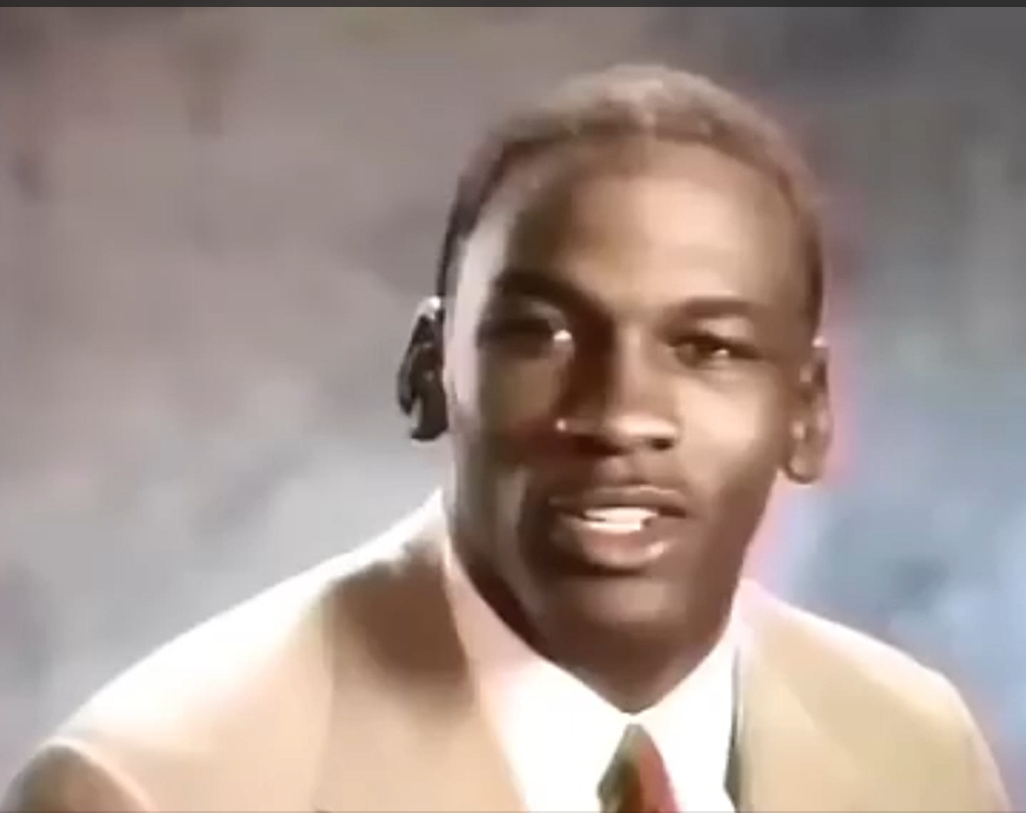
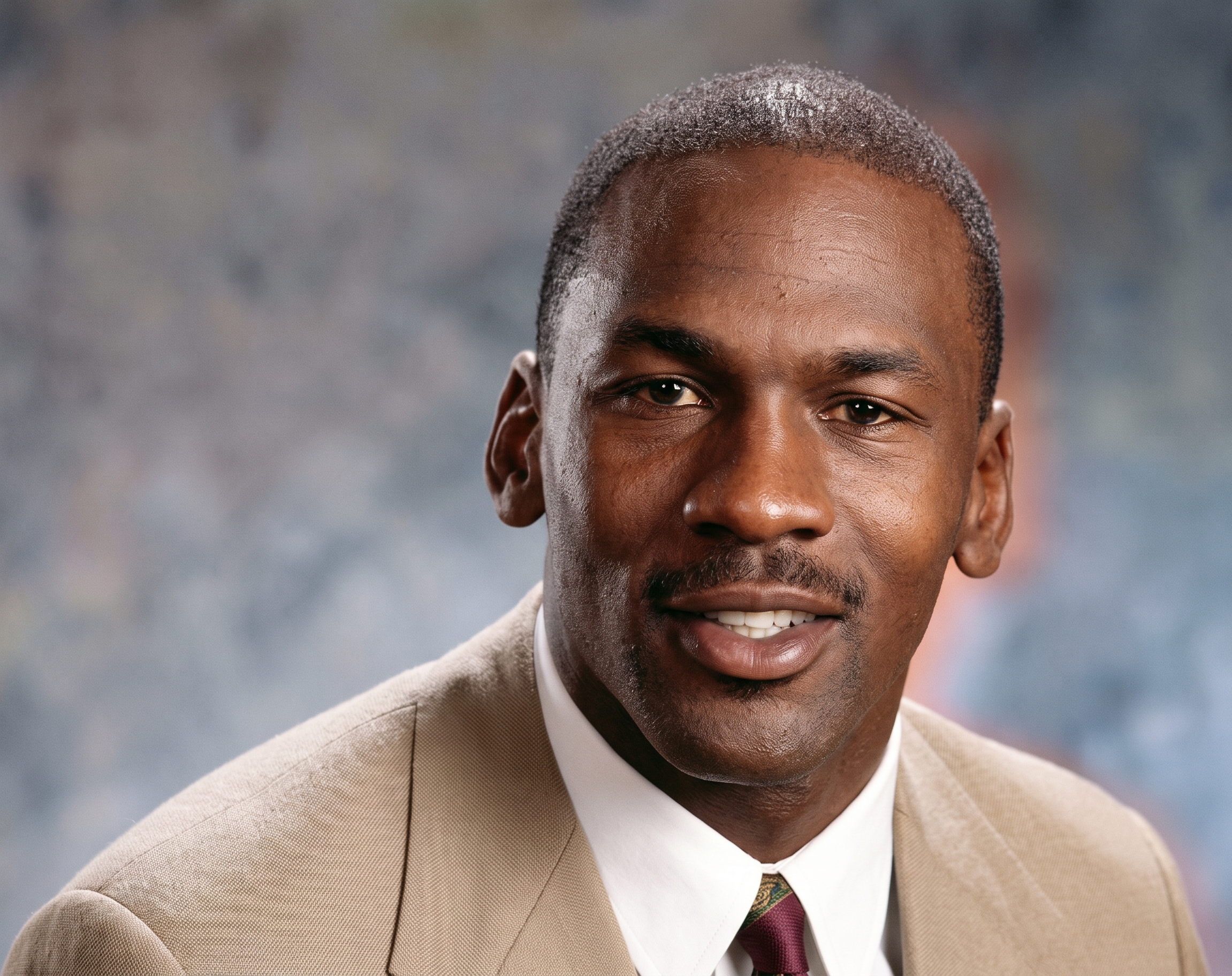
upload an image to enhance
damaged, blurry, or pixelated - snippt will restore it
restoring your image...
snippt is recovering your image - takes 20-40 seconds
uploading...
why Snippt image enhancer?
three purpose-built AI models for every type of image
topaz gigapixel
the industry-leading upscaler. subject-aware processing, built-in face recovery, handles photos and AI-generated images equally well.
portrait-optimised
crystal mode preserves skin texture, freckles, and facial detail. designed for portrait photography where quality is everything.
high-fidelity clarity
clarity mode maximises detail reproduction - ideal for product shots, architecture, and textures where sharpness matters most.
no watermarks, ever
your restored image is yours. crystal and clarity are free for all signed-in users. topaz requires pro.
get the best results
a few tips that make a real difference to output quality.
do
- use topaz for photos with faces
- start at 2x, go higher if needed
- upload the original uncompressed file
- use crystal for portrait close-ups
don't
- upscale heavily compressed JPGs - artefacts amplify
- go 4x when 2x is sufficient
- use a screenshot as source material
- upscale images that are already sharp
three steps, sharper image
upload your image
drop a JPG, PNG, or WebP up to 10MB. the original stays unchanged - we work on a copy.
AI analyses every pixel
topaz gigapixel detects image type, identifies subjects, and applies the right enhancement model automatically.
compare and download
drag the slider to compare before and after. download your full-resolution PNG with no watermark.
common questions
also available
need to upscale a video instead?
the same topaz AI - now for video. turn blurry clips into sharp 4K footage.