How to Build a Faceless AI Creator Brand (Without Showing Your Face)
People are building audiences, posting daily content, and selling products online using AI avatars. No camera. No filming. No face. Here's the full workflow.
Mar 10, 2026
8 min read
What You'll Learn
Why faceless AI creators are blowing up and how the business model works
How to build your AI character from a single reference image
The 3-tool content pipeline to go from zero to posting daily
How to turn stills into video with AI animation
Full demo walkthrough of building an AI creator from scratch in Snippt
01
The Faceless Creator Model
Right now, there are AI-generated characters on Instagram, TikTok, and YouTube with tens of thousands of followers. They post daily. They sell products. They run brand deals. And the person behind them never shows their face or picks up a camera.
This isn't a theory. People are doing this profitably right now. The model is simple:
1. Create an AI character. One consistent face that becomes your brand. 2. Generate content. Images, videos, talking-head clips. All AI. 3. Post consistently. Your avatar never gets tired, never has a bad hair day, never needs a break. 4. Monetize. Digital products, affiliate links, brand deals, courses.
Most people want to build an online presence but don't want to film themselves, speak on camera, or deal with the pressure of being a public figure. You don't have to anymore.
0
Cameras needed
0
Filming required
1
Reference image
24/7
Your avatar works
WHY CONSISTENCY IS THE SECRET
People don't buy because of perfection. They buy because of clarity, consistency, and repetition. Most people fail online because they stop showing up. Your avatar never does. It posts on schedule, looks the same every time, and never burns out.
02
What You Need (It's Less Than You Think)
You need one image. That's it.
One clean, well-lit reference photo of a face. It can be AI-generated (you don't even need a real person). From that one image, you can generate hundreds of photos in different outfits, locations, and poses. You can make that face talk. You can turn it into video content. You can build an entire brand around it.
Here are the tools. All of them are in Snippt:
TOOL 1
🎨 Image Generator - Create the Face
Generate your character's base image. Use Nano Banana 2 for the most realistic output. Or use any portrait photo you have.
Upload your face reference once. Now generate that character in any scene, outfit, location, or mood. The face stays locked across every output. This is what makes it a brand, not a random AI image.
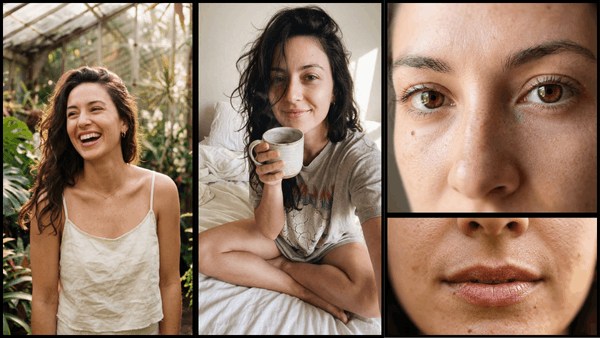
Let's build one right now. We'll create a fictional AI creator called Nora - a lifestyle and wellness content creator who posts daily on Instagram. She doesn't exist. She'll never need to.
STEP 1 - GENERATE THE FACE
Create Your Character's Base Image
Open Image Generator, select Nano Banana 2, and generate your character's first image. This is your foundation. Everything else builds from this one photo.
Nora's first image. iPhone selfie energy, not studio portrait. This is what people actually post.
⚡ Face Generation Prompt
A close-up upper-body shot of a young woman caught mid-laugh in a sun-drenched greenhouse, her head tilted slightly back with loose dark wavy hair falling across one shoulder, a few strands catching the warm light. She wears a delicate ivory linen cami with thin straps and a subtle raw-edge hem, the fabric softly textured and slightly creased from movement. A fine gold chain sits against her collarbone, catching a single point of light. Warm humid daylight filters through overgrown tropical plants behind her, dust particles suspended in the air, casting soft diffused light that picks up the natural texture of her skin, faint freckles across the bridge of her nose, fine pores on her cheeks, and the natural gloss of her lower lip. The composition is slightly off-center with a casual upward tilt, framed like she handed her phone to a friend who caught the moment mid-sentence. No beauty filter. No skin smoothing. No post-processing.
REFERENCE QUALITY MATTERS
Generate 3-4 images and pick the one that looks most like a real person took it. Not a studio headshot - a candid moment. The more authentic your reference looks, the more authentic every future image will be. People scroll past polished. They stop for real.
STEP 2 - USE THE CHARACTER
Two Ways to Generate Content
Once you have your base image, you have two paths depending on how you want to work:
Path A: Image Generator + Reference Image
Best for quick one-off generations and testing ideas. Upload your character's face as a reference image directly in Image Generator, write your scene prompt, and generate. The model uses the reference to keep the face consistent in the output.
Path B: Character Studio (Recommended for Ongoing Use)
Best if you're building a brand around this character and will use them constantly. Save the character once, then generate them in any scene without re-uploading the reference every time. This is the "set it and forget it" approach.
If you're just experimenting or testing a character idea, use Image Generator + reference. If you've decided this is your character and you're building a content brand around them, use Character Studio. Most serious AI creators end up in Character Studio because they don't want to re-upload the reference for every generation.
STEP 3 - GENERATE CONTENT IMAGES
Nora in Different Scenes
With Nora locked in Character Studio, select her as your active character and start generating. Every prompt below starts with "Using the uploaded reference image" - this tells the model to keep Nora's face locked while changing everything else around her.
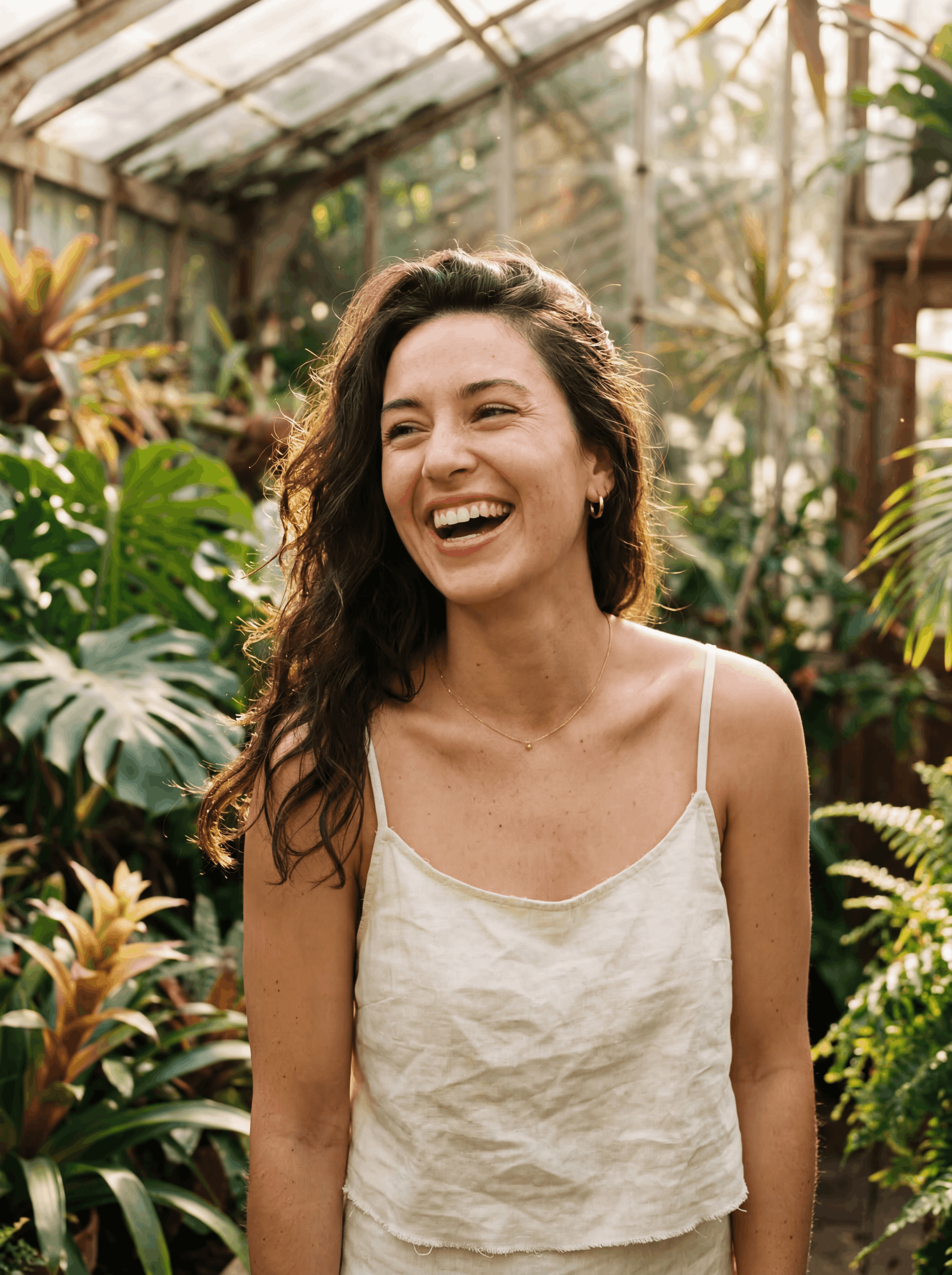
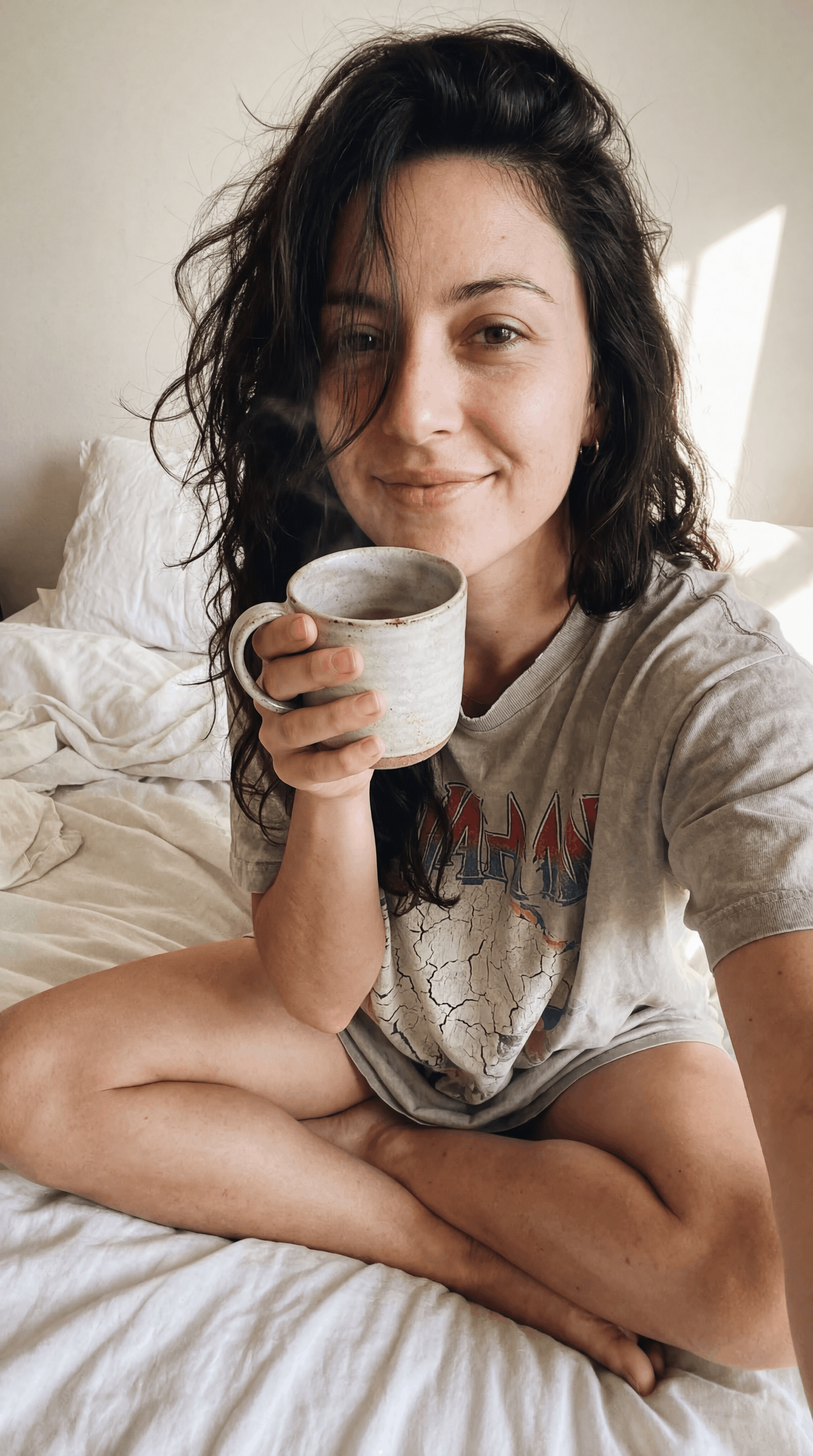
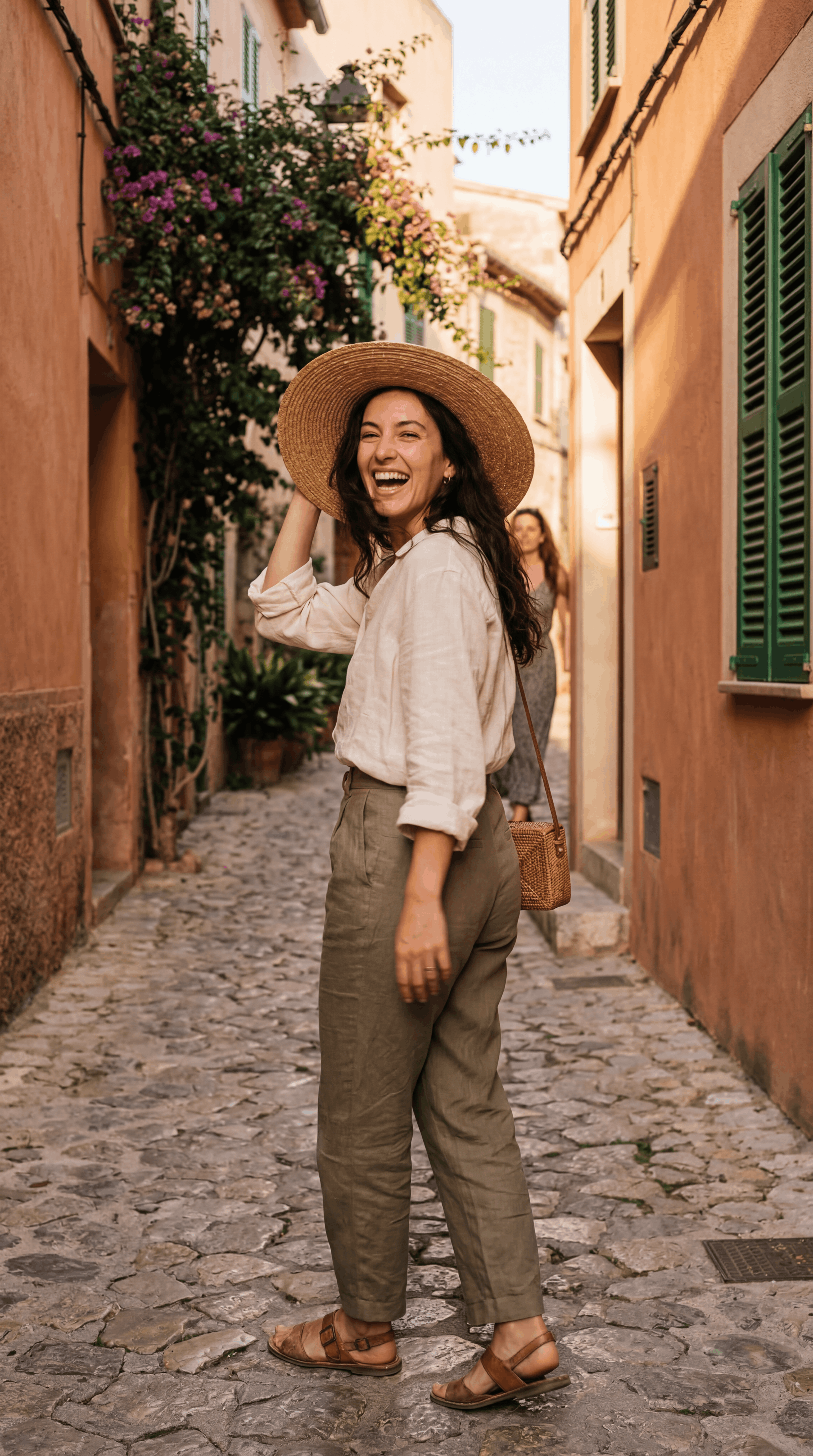
Same face. POV selfie, street candid, macro close-up. All from one reference image.
⚡ POV Morning Prompt
Using the uploaded reference image. A spontaneously captured iPhone selfie of the character sitting cross-legged on rumpled white linen bedding, just woken up, hair loosely tousled and falling unevenly across her face. She holds a handmade ceramic mug close to her chin with both hands, steam faintly visible rising from the rim. She wears an oversized washed-out vintage band tee with cracked print, the collar stretched and slightly off-shoulder. No makeup. Soft early morning window light falls diagonally across her cheek and forearm, casting warm golden highlights on one side and gentle shadow on the other, revealing natural skin texture, faint under-eye circles, and the fine peach fuzz along her jawline. The composition is shot from arm's length, slightly above eye level, with casual off-center framing and a hint of the headboard cropped at the top edge. No filter. No beauty mode. No skin smoothing.
⚡ Street Style Prompt
Using the uploaded reference image. Preserve exact facial structure, skin tone, and defining features. A candid photo of the character walking down a narrow cobblestone side street in a warm Mediterranean village at golden hour, looking back over her shoulder mid-laugh toward the camera, one hand reaching up to hold a wide-brimmed straw hat against the breeze. She wears a loose cream linen blouse with rolled sleeves and natural wrinkles in the fabric, high-waisted olive linen trousers, and worn leather sandals. A small woven crossbody bag rests on her hip. Warm terracotta walls with weathered plaster and climbing bougainvillea frame the background, with vibrant green wooden shutters slightly ajar. Late afternoon sunlight casts long amber shadows across the stone pavement and illuminates the fine texture of the linen and the natural grain of the leather bag. The composition is casually framed by a friend walking a few steps behind, with a slight motion blur on her trailing hand and hat brim, evoking the effortless intimacy of authentic travel iPhone photography.
⚡ Close-Up Detail Prompt
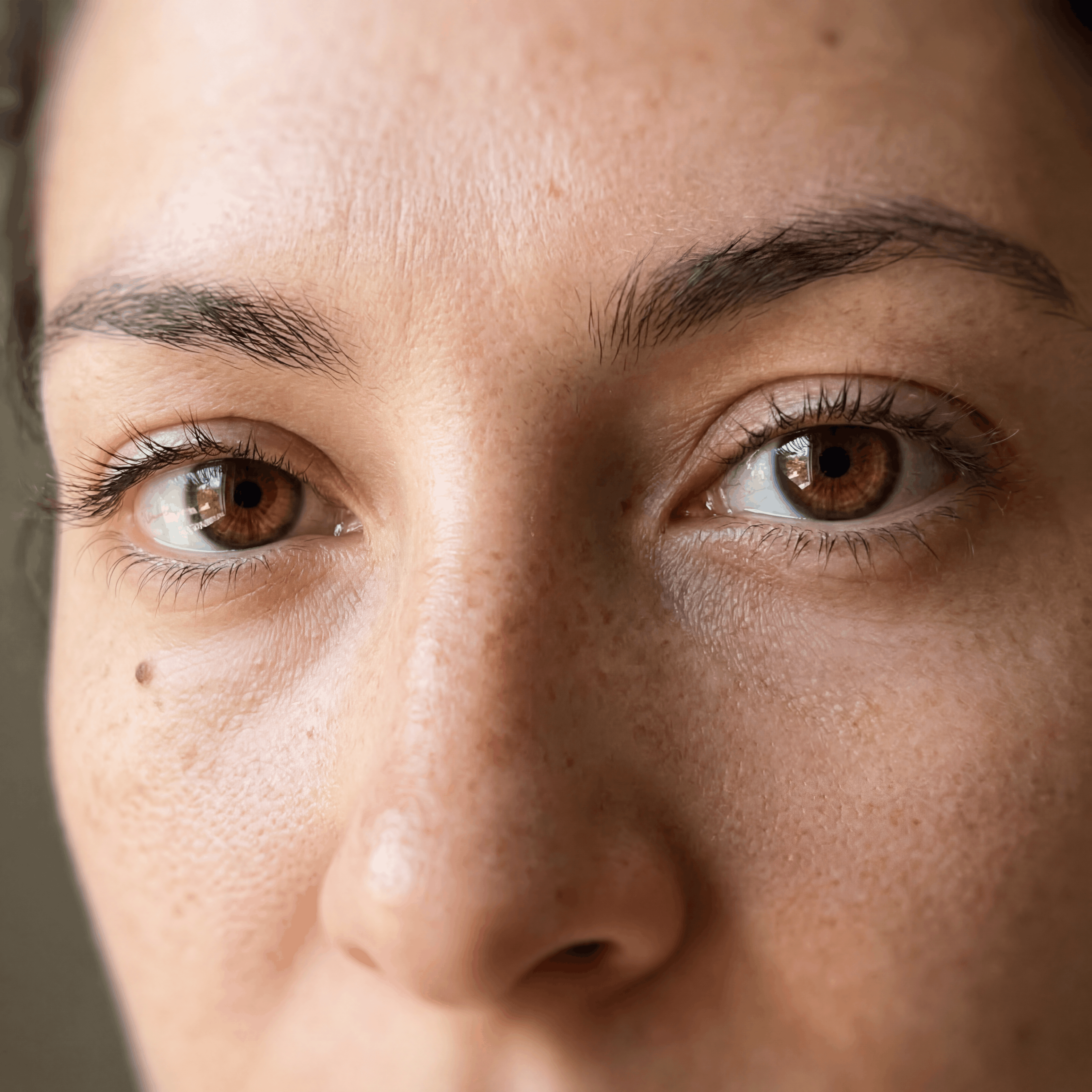
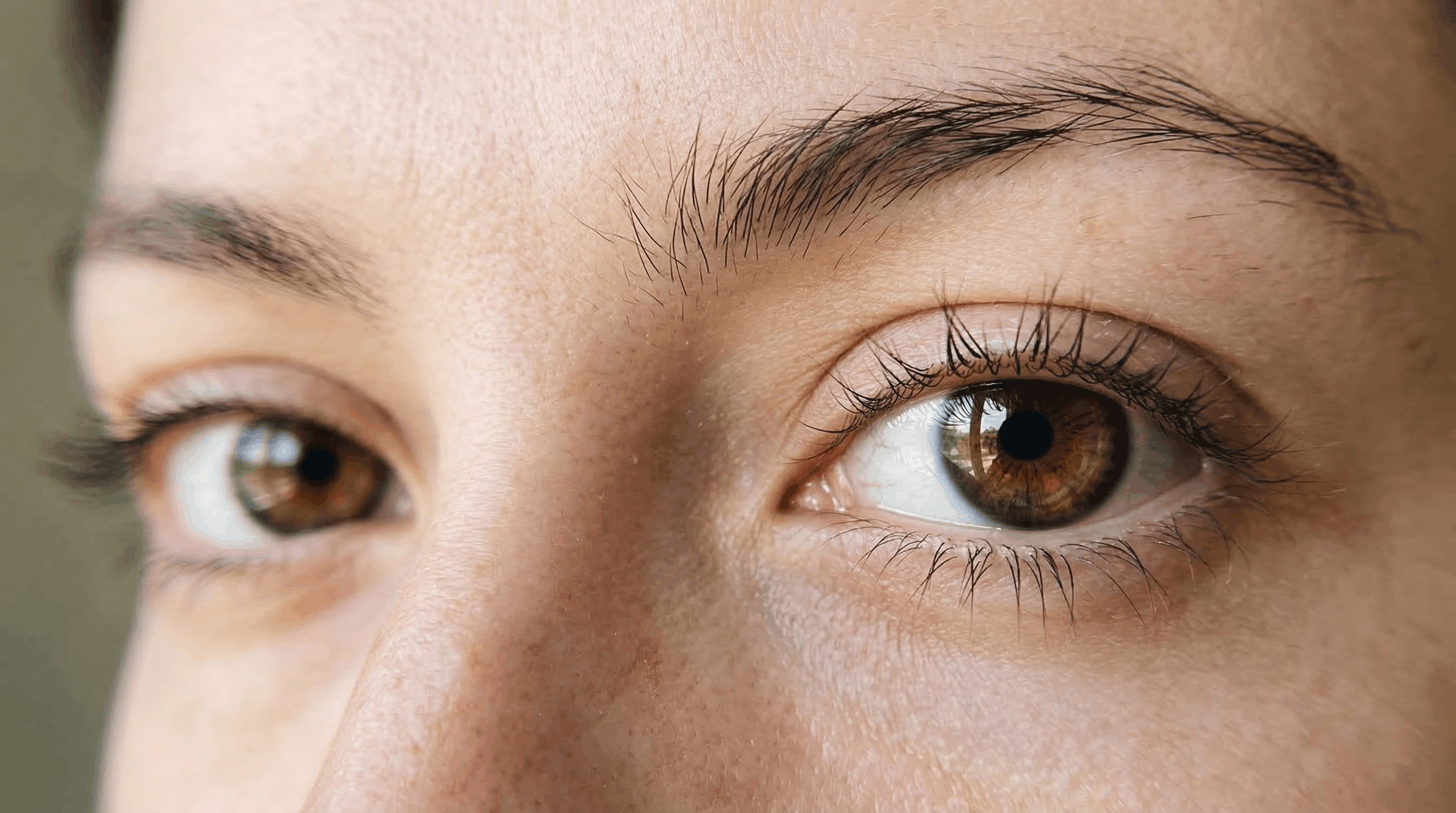
Using the uploaded reference image. Preserve exact facial features. An extreme close-up shot framed from just below the nose to just above the eyebrows. Eyes looking directly into the camera with quiet intensity, one eyebrow barely raised. Soft natural window light from the left illuminates the iris, revealing flecks of amber in dark brown eyes, with a crisp catch light in each pupil. Individual eyelashes are visible, some slightly crossing, completely natural with no mascara. Faint freckles scattered across the bridge of the nose and upper cheeks. Fine skin texture visible including natural pores, a tiny beauty mark below the left eye, and the subtle sheen of moisturizer on the cheekbone. Shallow depth of field with the tip of the nose and the hairline softly out of focus. iPhone macro photography style. The kind of image that makes people screenshot and zoom in.
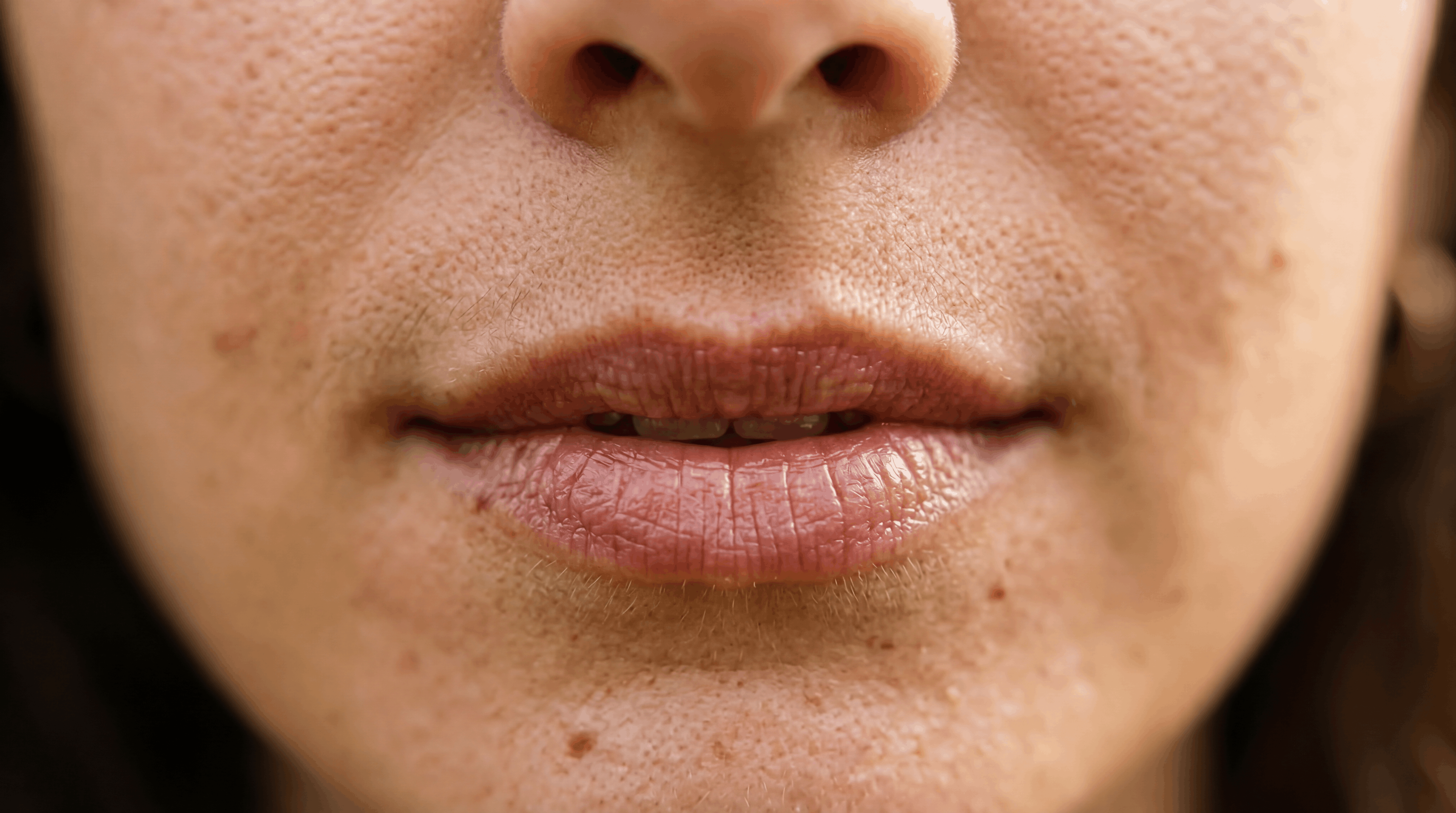
Macro close-ups of eyes and lips. If the details hold at this zoom level, the character passes as real.
THE CLOSE-UP TEST
These are the images that stop the scroll. People zoom in on eyes and lips to check if it's real. Iris texture, individual eyelashes, lip lines, peach fuzz. If your character holds up at macro level, every other image will look effortless. Post these as part of your regular content mix - they consistently outperform full-body shots in engagement.
STEP 4 - ANIMATE NORA
Turn Stills into Video Content
This is where static images become scroll-stopping video. Take any image of Nora and bring it to life with Image-to-Video.
1
Pick your best still. Choose a Nora image with good composition - the POV morning, the street style, or any scene you generated.
2
Open Image-to-Video. Upload the still and write a motion prompt. Example: "She looks up from her coffee mug and smiles softly, steam rising from the cup. Subtle natural movement. Camera stays still."
3
Generate the clip. 5 seconds for stories, 10 seconds for reels. The model animates the scene while keeping Nora's face consistent.
4
Edit and post. Drop the clip into CapCut, add captions, voiceover, background music. Post to Instagram Reels, TikTok, YouTube Shorts.
That's it. You just made a video of someone who doesn't exist, from a single still image. No camera, no filming, no lighting setup.
CONTENT BATCHING
Generate 10-15 images in one session. Animate the best 3-5 into video clips. You now have two weeks of content in an hour. Your avatar posts daily while you do other things.
04
The Daily Content Pipeline
Here's what a typical week looks like for a faceless AI creator:
Instagram Feed (3-4 posts/week)
Lifestyle images of your character in different settings. Use Character Studio to keep the face consistent. Mix up outfits, locations, and poses. Add value-driven captions about your niche.
Instagram Stories / TikToks (daily)
Short video clips made with Image-to-Video. Tips, reactions, day-in-the-life moments. 5-10 second animated clips with captions and voiceover added in CapCut.
Reels / Shorts (2-3/week)
Stitch multiple Image-to-Video clips together for longer narrative content. "A day in my life" or "morning routine" style works extremely well for engagement. Add voiceover and music in CapCut.
The secret is volume and consistency. Your avatar never needs a break, never has an off day, and can generate a month of content in one sitting.
05
How to Make Money With This
The audience doesn't know (or care) if your face is AI-generated. They follow for the content, the value, and the consistency. Here's how faceless creators monetize:
📚
Digital Products
E-books, templates, prompt packs, guides, mini-courses. High margin, zero inventory. Create once, sell forever. This is the most common path for AI creators.
🔗
Affiliate Marketing
Recommend tools and products you use. Earn commissions on every sale. AI tools, software, wellness products, whatever fits your niche. Your avatar talks about them in content.
🤝
Brand Deals & Sponsorships
Once your avatar has an audience, brands will reach out. AI creators with 10k+ followers are landing paid partnerships. The brand doesn't care if the face is real - they care about the engagement.
🎓
Courses & Coaching
Teach others how to do what you did. The meta play: use an AI avatar to sell a course about building an AI avatar brand. It works because you're the proof.
START WITH ONE PRODUCT
You don't need ten products or complicated funnels. One digital product in your niche, one link in your bio, consistent content driving to it. That's the system. Scale later.
06
Start Building
Everything you need is already in Snippt. No extra tools, no subscriptions to stack, no complicated setup. Generate the face, lock the character, create content, animate it, post. That's the entire workflow.
The people building audiences right now with AI avatars didn't start with a perfect plan. They started with one image and posted consistently. The algorithm rewards volume and consistency. Your avatar delivers both, forever.
Build your AI creator now
Start with Character Studio. Upload one face. Generate your first week of content today.