Drop an image.Remix it as yours.
AI splits it into twelve editable fields, from subject to lighting. Change any of them, then generate your version.
Outputs carry an AI-generated label. Acceptable use · Report misuse
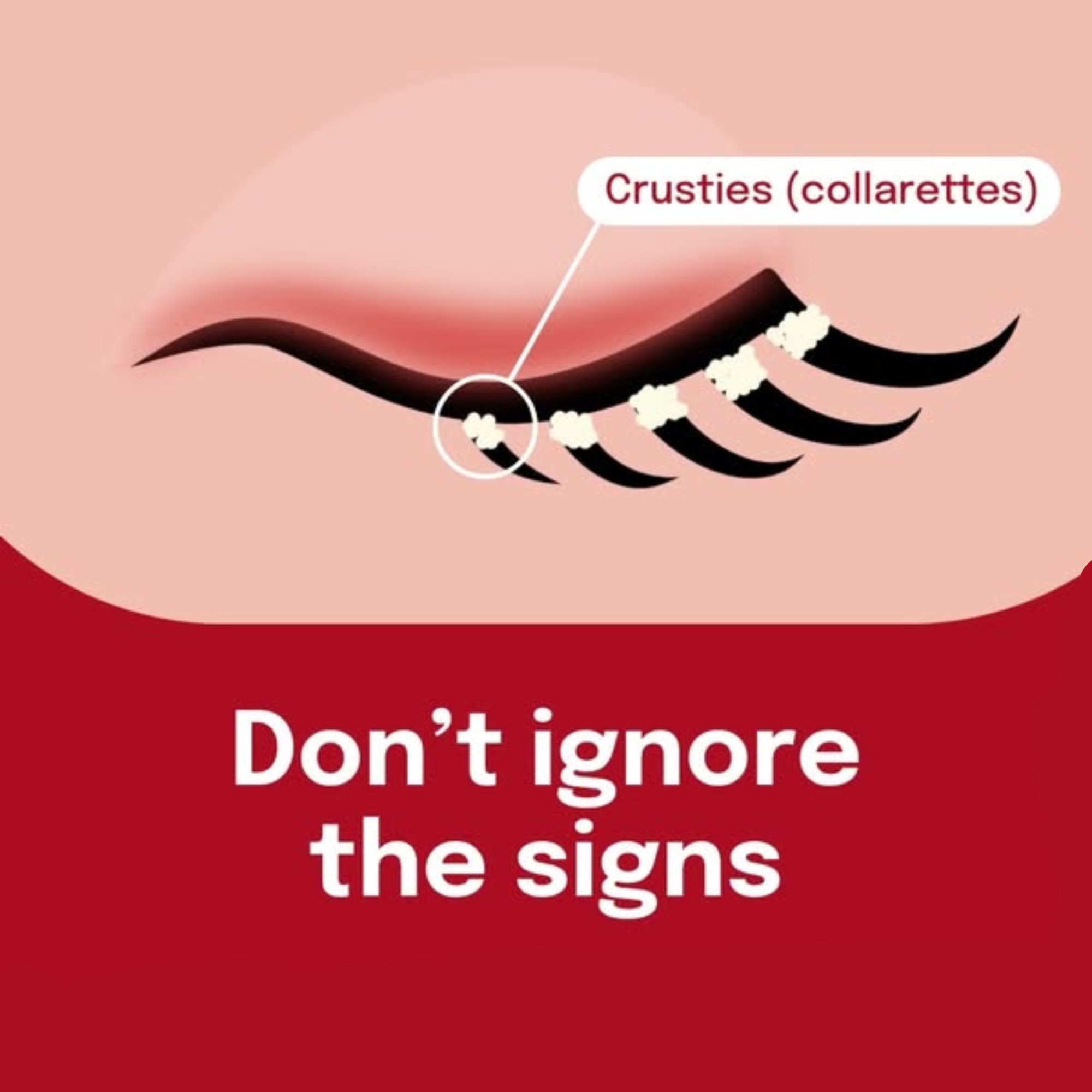

The flat illustration became a clinical macro photo with new colors, copy and layout. Load the example to see every field.
or upload your own imageBest images to upload
- Clear, high-resolution images with visible text and layout
- Product photos, social posts, banners and ads
- Images with a distinct color palette and composition
- Simple backgrounds rather than busy, cluttered scenes
Images that remix poorly
- Blurry, low-resolution or heavily compressed images
- Screenshots with browser UI, watermarks or overlays
- Very complex scenes with many small elements
- Images with no clear structure, such as abstract textures
Three steps. No design skills needed.
Image Remix reads the structure of an image, hands it to you as plain fields, and rebuilds it with your changes.
Drop an image
Use an image you have rights to. PNG, JPG or WEBP up to 10 MB.
Edit the fields
AI fills twelve fields: headline, subject, camera, lighting, colors, medium, mood, layout and more. Change any of them.
Generate your version
The original stays as a visual reference, so the new image keeps its structure with your edits.
Remix or generate from scratch.
Both make images. Start here when you already have a visual whose structure you want to keep.
Common questions.
What does Image Remix do?
Image Remix uses AI to analyze an image you upload, extracting the headline, subject, camera angle, lighting, colors, medium, mood, layout, and more. You can then edit any detail and generate a brand new version of the image using AI image generation with the original as a reference.
What image formats are supported?
You can upload PNG, JPG, and WEBP images up to 10 MB. The generated output is always a PNG file.
How many credits does it cost?
The analysis step costs 20 credits. Each generation also costs 20 credits regardless of model. Generating 4 variants costs 100 credits total (20 analysis + 80 generation).
Can the AI reproduce text accurately in generated images?
Yes. The default model, GPT Image 2, uses reasoning-based generation for reliable text rendering and prompt accuracy. Nano Banana 2 and Seedream 5 Pro also handle text well. All 7 models support reference images for composition matching.
What is the difference between Image Remix and Image Generator?
Image Generator is a blank-slate text-to-image tool where you write a prompt and get an image. Image Remix starts from an existing image, breaks it down into structured fields (headline, colors, layout, etc.), lets you edit each piece, and generates a new version using the original as a visual reference.
Can I remix any image?
Only images you have the right to use, and only with the permission of any person shown in them. Snippt does not create sexual content or content involving minors. Every prompt and upload is screened automatically, and generated images carry an AI-generated label. See our Acceptable Use Policy.
One image in. Your version out.
Image Remix is part of Pro, with more credits every month and priority processing.